ECHOGEAR
EGLL4 Low Profile Fixed TV Mount
TV mount
From
$34.99
Setup guide
Four mount styles, what each is good at, and the two numbers that decide whether a mount will fit your TV.

Two numbers decide whether a mount can hold your TV: the VESA pattern and the weight limit. Everything else is about how you want the screen to move.
VESA pattern. This is the spacing of the four mounting holes on the back of the TV, measured in millimeters, horizontal then vertical. Engadget points out that it describes hole spacing only, not resolution or screen size, and that larger TVs often have larger patterns without a guarantee. Look up your exact TV model, or measure hole center to hole center. A mount does not need to be labeled for your exact size. Your pattern just has to appear on its supported list.
Weight limit. A matching pattern says the bracket lines up with the holes. It does not say the bracket can hold the TV. Compare the mount's maximum load with your TV's weight, and check the screws your TV needs.
| Type | What it does | Best for | Trade-off |
|---|---|---|---|
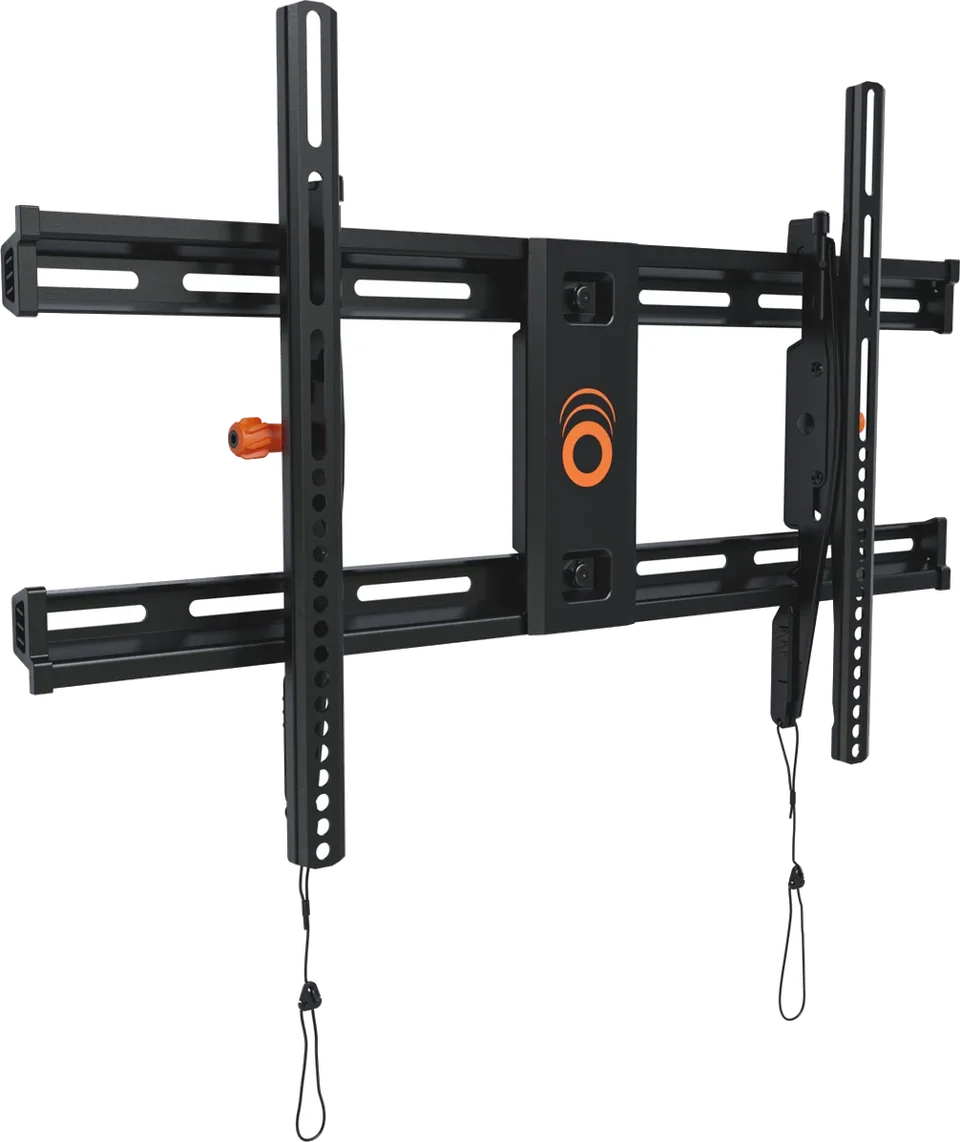
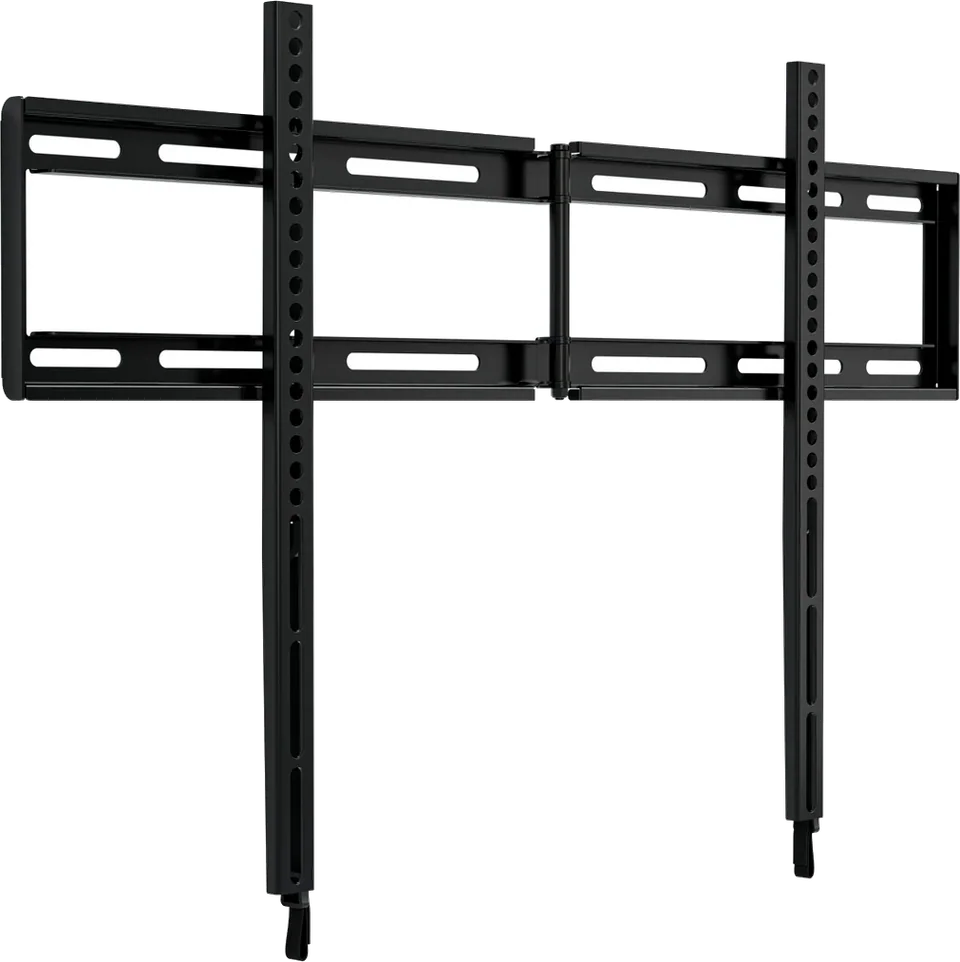
| Fixed (low profile) | Holds the TV flat and close to the wall | Eye-level viewing from one spot | No adjustment after install, so cables are harder to reach |
| Tilting | Angles the screen up or down | TVs mounted above eye level, glare from windows | Limited tilt range, no sideways movement |
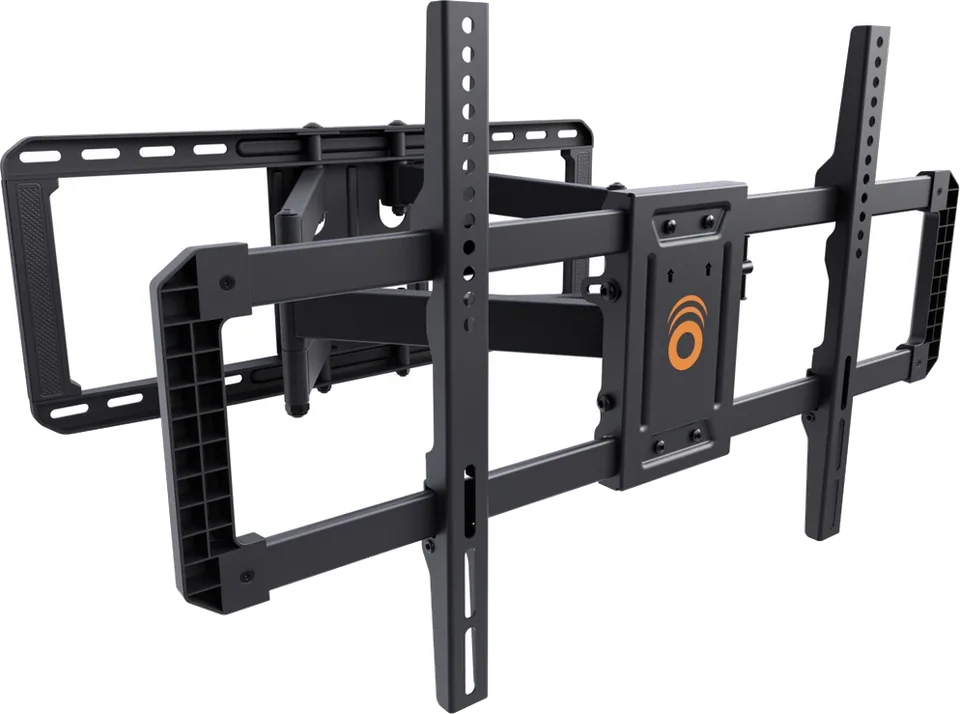
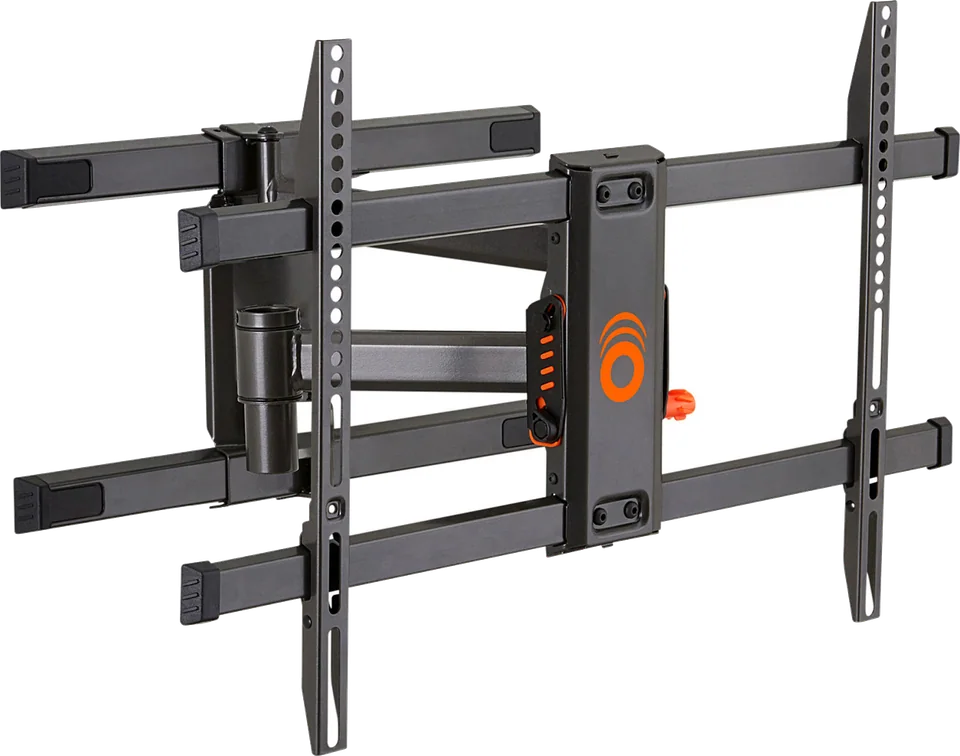
| Full-motion | Tilts, swivels and extends from the wall | Corners, open-plan rooms, viewing from several seats | Sits farther from the wall, needs precise stud placement |
| Pull-down | Lowers a high TV to a comfortable height | TVs above a mantel or fireplace | Needs enough clear wall above and below the TV |
Echogear describes its tilting and low-profile line as a way to cut screen reflections and keep the TV near the wall, and its full-motion line as a way to tilt, swivel and extend the screen toward the seating. As an example of reach, it says one of its full-motion mounts pulls the TV out about 22 inches and sits about 2.4 inches from the wall when pushed back, and holds TVs up to 125 pounds.
MantelMount, which makes pull-down mounts, says the mount's handle takes the pulling force instead of the TV frame, and that some models include a temperature indicator for hot fireplaces. It also offers an install calculator that checks whether your TV and available wall space will work.
These mounts are in our catalog, with VESA ranges and weight limits on each page:
Good to know
A tilting mount suits a TV hung a little above eye level because it angles the screen down and can reduce glare. If you watch from many seats, a full-motion mount lets you turn the screen toward you.
Screen size is a rough guide. What decides compatibility is a VESA pattern on the mount's supported list and a weight limit above your TV's weight.
MantelMount designs its pull-down mounts for TVs hung high, such as above a mantel, and brings the screen down to a better viewing height. The mount's own install calculator can tell you whether your TV and wall space fit.
Mentioned in this article
5 sources used for this article. We paraphrase and link, we do not republish.
More setup guide

Two ways to clear the cable clutter under a wall-mounted TV, and the safety lines you should not cross.

Five quick changes that fix most new-TV picture problems, plus where to find motion smoothing on each major brand.

What to check before you drill: where the studs are, whether the mount matches your TV, and when to hand the job to a professional.
A short letter when something is worth your attention. Unsubscribe any time.