ECHOGEAR
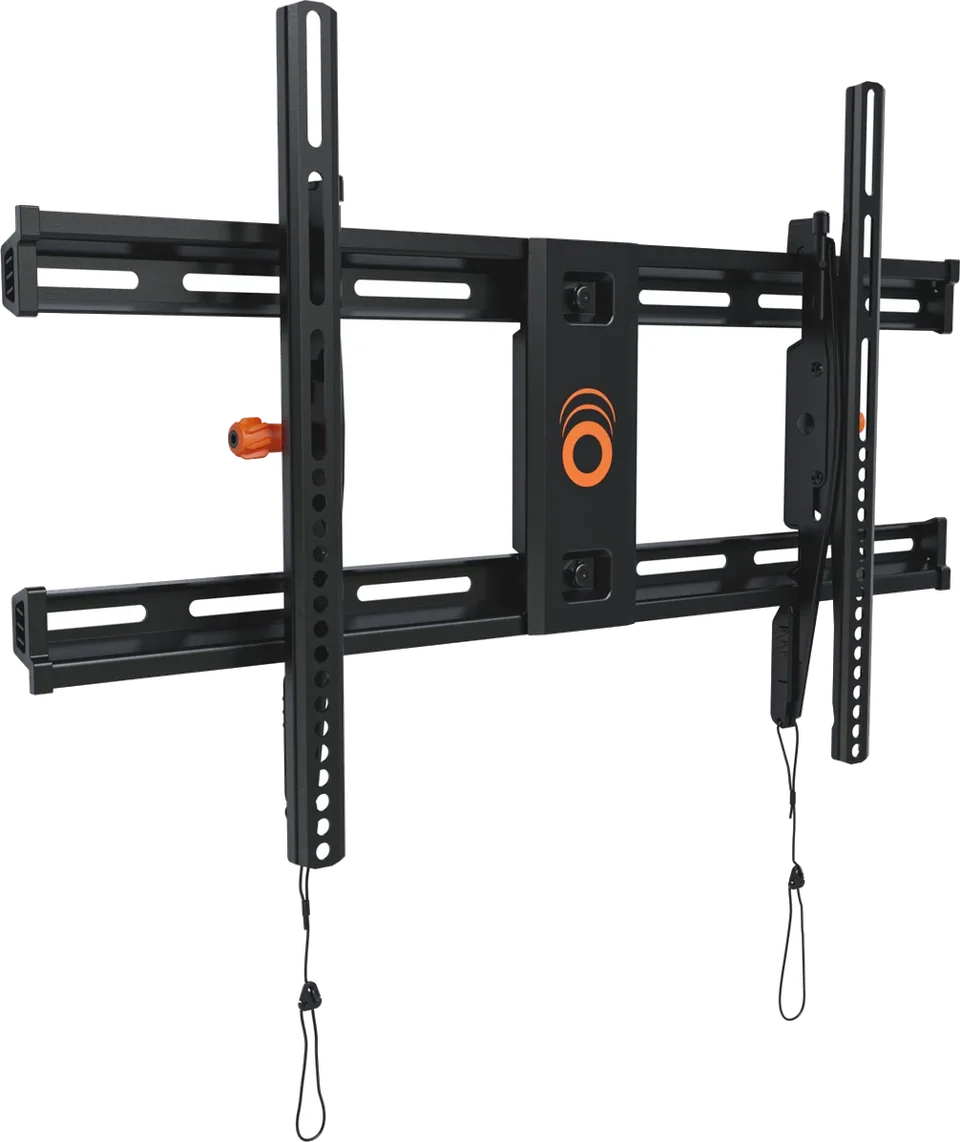
EGLT3 Tilting TV Mount
TV mount
From
$39.99
Setup guide
What to check before you drill: where the studs are, whether the mount matches your TV, and when to hand the job to a professional.

Mounting a TV is a one-afternoon job for many people, but the cost of a mistake is a damaged screen or a fall. This guide covers the checks that matter before any drill touches the wall.
Look at the back of the TV for four threaded holes. The distance between them is the VESA pattern, written as horizontal by vertical in millimeters. A 400 x 200 pattern means holes 400 mm apart across and 200 mm apart up and down. Screen size does not reliably tell you the pattern, so check your exact TV model in its manual or on the maker's support page, or measure from hole center to hole center.
Then check two more things:
Not sure which style to buy? See how to choose a TV mount.
Studs are the wooden or metal uprights behind the drywall. Echogear says drywall alone cannot carry much weight, so the mount should anchor into a stud. It lists four ways to find one:
Confirm each stud by checking it two ways, and mark the center of each one before you drill. Take care near plumbing and electrical wiring.
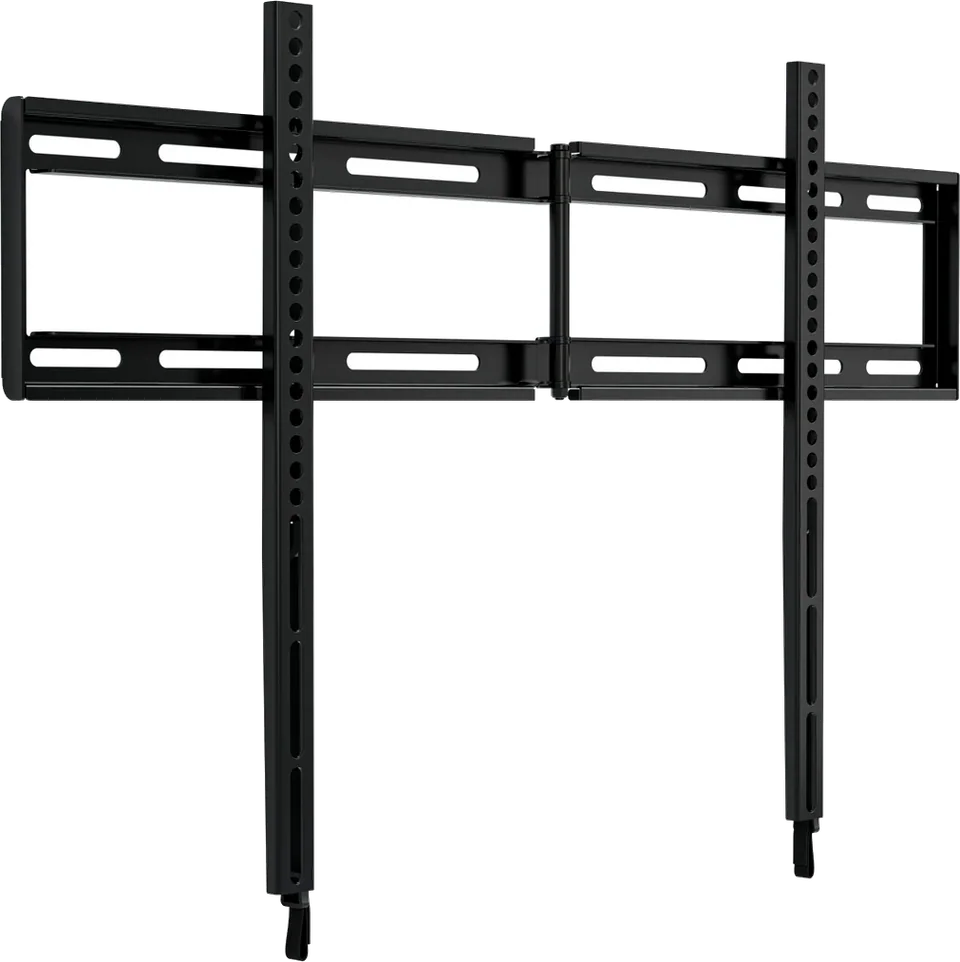
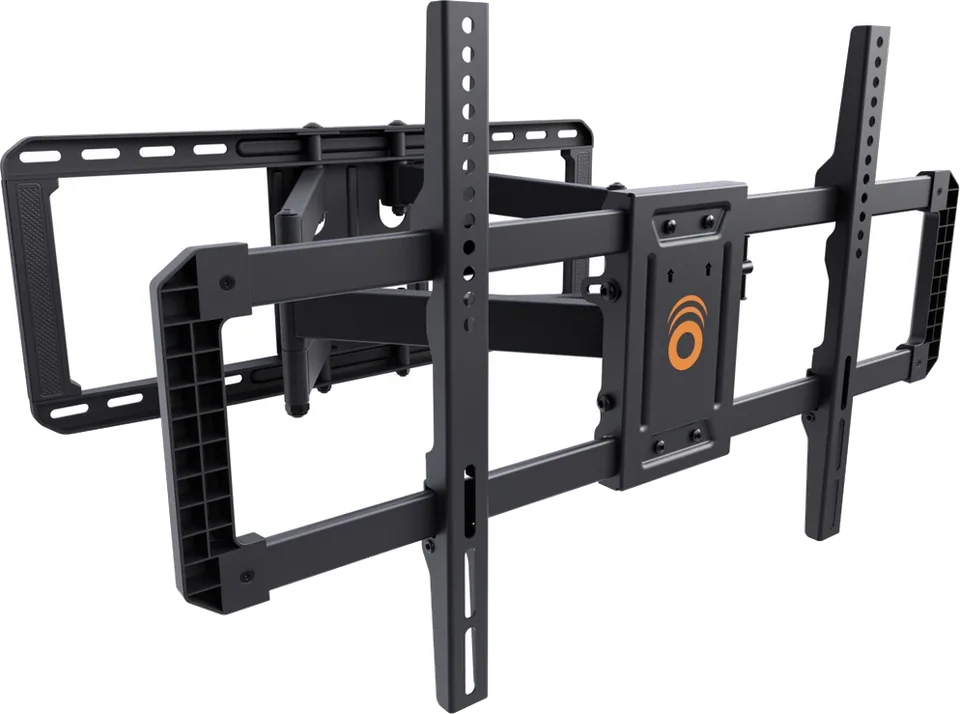
The exact list depends on the mount, and the mount's manual is the final word. Plan on a stud finder or one of the alternatives above, a drill, a level, a pencil or painter's tape, and a screwdriver. Have a second person ready to help lift the TV onto the bracket. Fixed, tilting and full-motion options such as the Echogear EGLL4, EGLT3 and EGLF2 list their weight limits and supported VESA patterns on their product pages.
Plan your cables before the TV goes up. Routing power and HDMI is much easier with the wall open. See how to hide TV cables.
Call an installer if any of these apply:
Samsung's safety notice says a TV should be fixed to the wall or another sturdy surface, because a toppling TV can cause serious injury. It adds that anchors are not supplied and that you should ask a professional if you are unsure what to use.
Good to know
Echogear notes that drywall alone cannot carry much weight, and it advises anchoring into a stud. Samsung says its TVs should be mounted or anchored to a wall or suitable surface, and to seek professional advice if you are unsure which anchor to use.
Echogear says studs are most often 16 inches apart, with 24 inch spacing found in some older homes. Confirm with a stud finder or another method, because spacing can vary.
No. Many mounts support several patterns, so your TV's pattern only needs to appear on the mount's supported list. The mount's weight rating and hardware also have to suit your TV.
Mentioned in this article
4 sources used for this article. We paraphrase and link, we do not republish.
More setup guide

Two ways to clear the cable clutter under a wall-mounted TV, and the safety lines you should not cross.

Four mount styles, what each is good at, and the two numbers that decide whether a mount will fit your TV.

Five quick changes that fix most new-TV picture problems, plus where to find motion smoothing on each major brand.
A short letter when something is worth your attention. Unsubscribe any time.