Belkin
7-Outlet Home/Office Surge Protector (6 ft cord)
Accessory
From
$24.99
Setup guide
Two ways to clear the cable clutter under a wall-mounted TV, and the safety lines you should not cross.

A wall-mounted TV looks unfinished with cables hanging below it. There are two ways to fix that, and one safety line that matters.
An on-wall cable cover is a slim channel that stays on the surface of the wall. Echogear describes its paintable versions as low profile, fast to fit and reversible, and suggests them when the wall is solid, insulated or concrete and an in-wall route is not practical.
An in-wall kit puts a wall plate or grommet behind the TV and another near your devices, with the cables running between them inside the wall. Echogear's own steps are:
Add a pull string while the wall is open so future cables are easy to run. Echogear's stud-finding guide covers ways to avoid cutting into framing. If you cannot confirm what is inside the wall, stop and ask a professional.
HDMI, Ethernet and speaker wire carry low-voltage signals. Mains power is a separate matter.
Echogear sells in-wall power kits that fit an outlet behind the TV, and the same kits are what its guide recommends for hiding power cords. Because a power kit changes your house wiring, treat the manufacturer's instructions and local code as the final word.
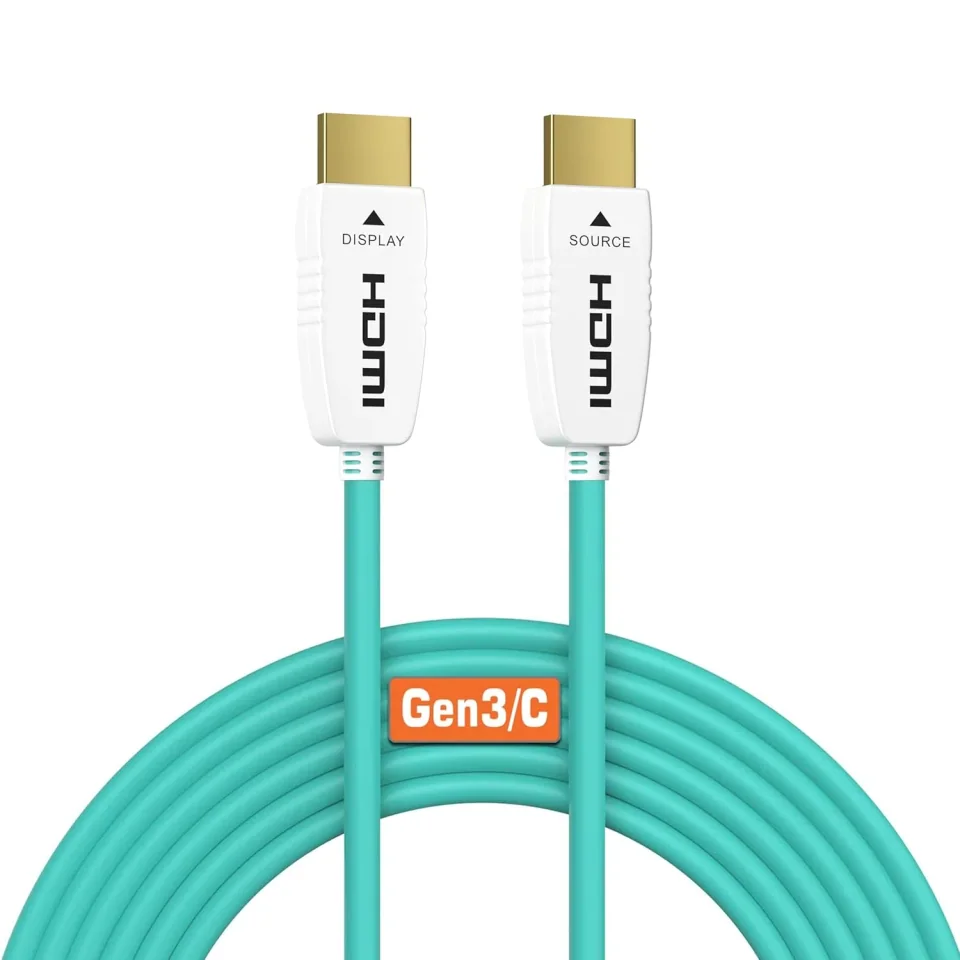
Cable makers label some HDMI cables as CL2 rated and sell them as the in-wall option. RUIPRO, for example, has a collection of long fiber-optic HDMI cables labeled In-Wall Rated (CL2). The rating is printed on the jacket. If you plan to run a cable inside a wall, buy one marked for in-wall use rather than a general-purpose cable. This guide could not verify how CL2 differs from CL3 or what local code requires, so confirm both with the cable maker or an electrician before you buy.
Engadget notes there is no official maximum HDMI length, and that longer runs get less forgiving as bandwidth rises. A cable that handles 4K at 60Hz can fail at 4K at 120Hz. Typical failure signs are flicker, sparkling pixels, audio dropouts and black screens. Before you fasten anything permanently:
See 4K 120Hz not working if your picture drops after the cable moves behind the wall.
Echogear also recommends surge protection for the plugs behind the TV. A surge protector such as the Belkin 7-outlet surge protector is one example in our catalog.
Good to know
Not safely. In-wall power is electrical work. Use a purpose-made in-wall power kit installed to local code, and hire a licensed electrician if you are unsure.
Cable makers use CL2 as the label for cables sold as rated for in-wall installation. This guide could not verify the code definitions, so check the marking on the jacket and your local rules, or ask an electrician.
Yes. Paintable on-wall cable covers stick to the surface, need no cutting, and are reversible. Echogear suggests them for solid, insulated or concrete walls.
Mentioned in this article
5 sources used for this article. We paraphrase and link, we do not republish.
More setup guide

Four mount styles, what each is good at, and the two numbers that decide whether a mount will fit your TV.

Five quick changes that fix most new-TV picture problems, plus where to find motion smoothing on each major brand.

What to check before you drill: where the studs are, whether the mount matches your TV, and when to hand the job to a professional.
A short letter when something is worth your attention. Unsubscribe any time.