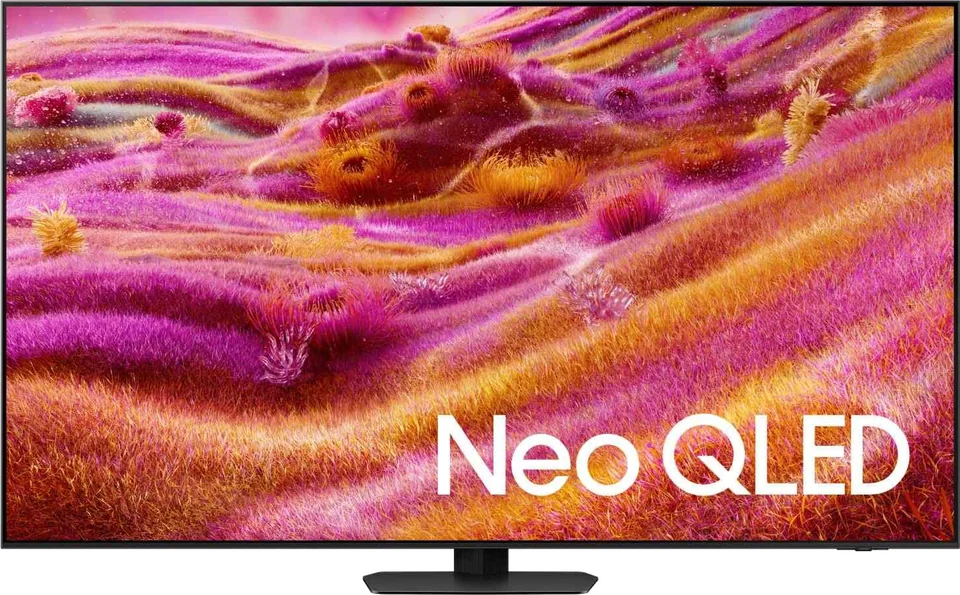
Samsung · 2025 · Mini LED
QN90F Neo QLED
43 · 50 · 55 · 65 · 75 · 85 · 98″
From
$15,000
MOV
BRT
GME
Buying guide
What makes a TV good for live games, and how to set it up so fast action stays sharp.

Sports puts different demands on a TV than films. The picture is bright and busy, the camera pans quickly, and people often watch in daylight with the whole sofa in view. These are the points that matter.
TechRadar's sports guide ranks motion handling first. On-screen action is constantly moving, so a TV needs to preserve detail, or fast players and balls turn into blurs. The guide's testers judge each TV on sports and other content to make sure its motion processing keeps up.
Settings matter. For TCL's C7K, the tester found sports looked best in the Sports or Standard picture mode, with the default Medium motion clarity, judder reduction near the middle and blur reduction at 2 or 3. For the Samsung QN90F, the setup roundup mentions judder and blur adjustments set to 3. Menu names and numbers differ by brand, so treat these as starting points. TechRadar says the C7K needed some adjustment before it was ready for sports, so plan to spend a few minutes in the menus.
Sony's Bravia 7 II also got praise for motion in TechRadar's guide, where it is the value pick for the US, and the guide says it keeps up with action whether or not XR Motion Clarity is on.
Daytime sports means competing with windows and lamps. TechRadar's guide factors brightness and reflections into its rankings, and its brightness primer explains that a brighter TV copes better with glare and that bright full-screen scenes, as in sports and news, are where full-screen brightness matters.
TechRadar picks the Samsung QN90F as the best overall TV for sports, praising its brightness and Glare-Free screen, which the tester says removed reflections even with a lamp placed in front of the set. Its pitch is for viewers who watch in sunlit rooms. The QN90F lacks Dolby Vision but supports HDR10+, and TechRadar notes that it is pricey compared with some rivals.
OLED is not ruled out. In a setup roundup, TechRadar says its typical recommendation for sports is Mini LED, but that Samsung's S95F changes the picture thanks to a matte coating that turns mirror-like reflections into haze, allowing sports with OLED color and viewing angles. Tom's Guide cautions that matte finishes can lift black levels in bright rooms and that entry-level OLEDs are the dimmest TVs. If sports is your main use, favor a bright Mini LED or an anti-glare model. See Best TV for your room.
Sports are often a group activity, so seats are spread across the sofa. TechRadar says the TCL C7K's wide-viewing-angle panel gives everyone on the sofa a vivid picture while keeping reflections in check, which suits family gatherings. In the same guide, the Sony Bravia 7 II is listed with average viewing angles and a reflective screen as drawbacks. OLED generally holds its picture better from the side than LCD panels do; see OLED vs. Mini LED.
The picks vary by region and tier. TechRadar's sports guide swapped in the Sony Bravia 7 II in September 2026 as its value pick for US sports fans. Its setups article pairs the TCL QM6K with a budget soundbar for a low-cost tier and the Hisense U8QG with a Sonos Beam for the step up, citing the U8's high measured brightness. For comparison tools, see the compare page or the finder.
Commentary and crowd noise are better with a soundbar, since TV speakers tend to be average. The sports guide notes many people now pair their TVs with soundbars, and that it also assesses built-in audio. See the soundbar buying guide.
Good to know
It can be. TechRadar's typical recommendation for sports is Mini LED, but it notes that Samsung's anti-reflection S95F OLED is a strong exception for bright rooms. Watch for static scoreboards if you leave sports on for many hours.
TechRadar's testers found Sports or Standard mode often looked best on one TCL model, with judder reduction around the middle and blur reduction at 2 or 3. Settings names and values vary by brand.
Not usually. TechRadar's top sports pick, the Samsung QN90F, lacks Dolby Vision but supports HDR10+. Motion, brightness and glare control matter more for live games.
Mentioned in this article
Samsung · 2025 · Mini LED
43 · 50 · 55 · 65 · 75 · 85 · 98″
From
$15,000
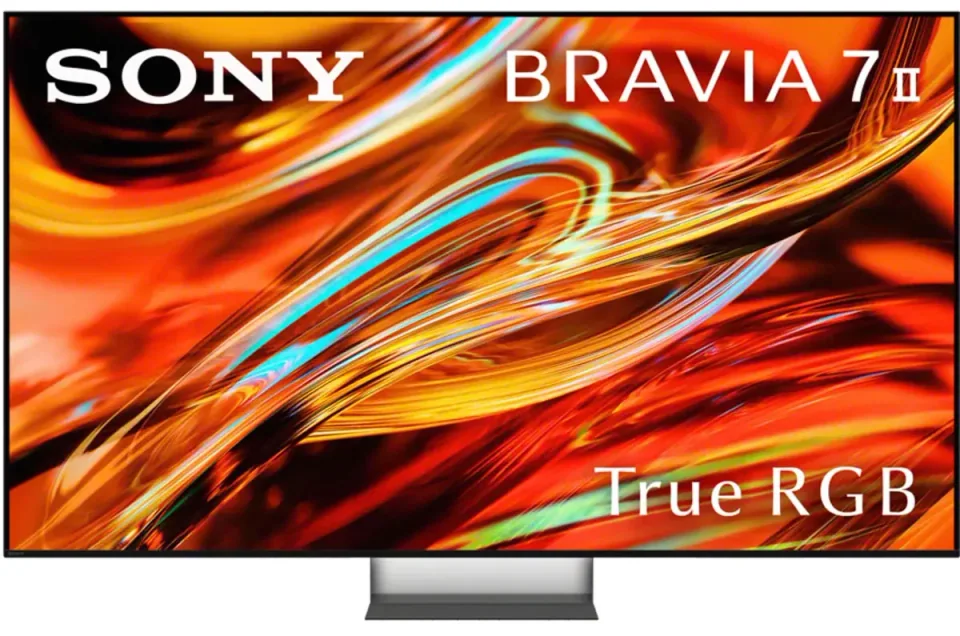
Sony · 2026 · RGB Mini LED
55 · 65 · 75″
From
$1,398
Samsung · 2025 · QD-OLED
55 · 65 · 77 · 83″
List from
$2,499
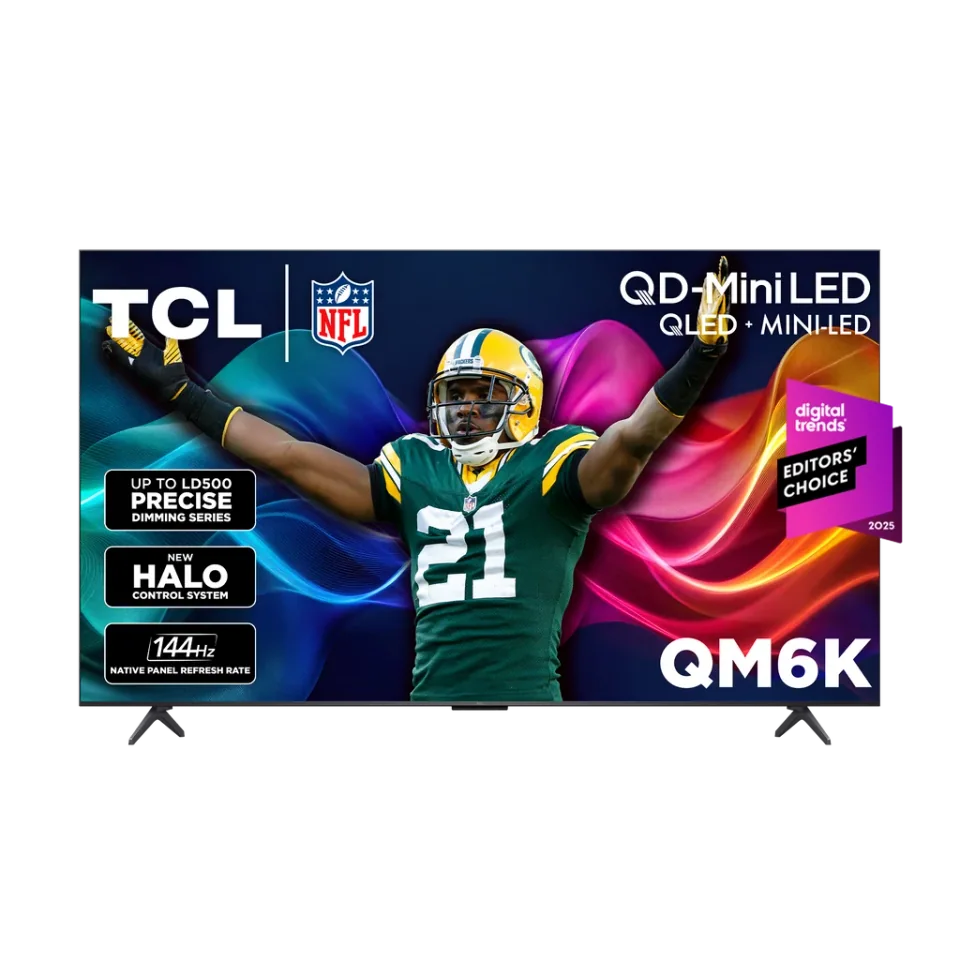
TCL · 2025 · Mini LED
55 · 65 · 75 · 85 · 98″
From
$479.99
4 sources used for this article. We paraphrase and link, we do not republish.
More buying guide
A simple distance-to-screen rule, a lookup table for common sizes and the room factors that should nudge you up or down.

Seven mistakes that show up again and again in reviews and buyer guidance, and a quick fix for each.

A step-by-step way to choose a TV you will still be happy with in several years, with the specs that matter and the ones that do not.
A short letter when something is worth your attention. Unsubscribe any time.