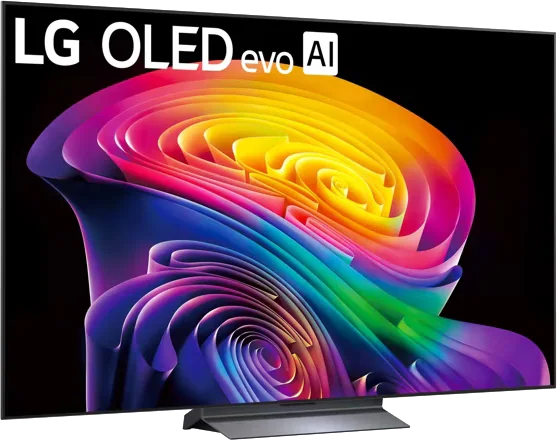
LG · 2026 · WOLED
C6 OLED evo
42 · 48 · 55 · 65 · 77 · 83″
From
$899.99
MOV
BRT
GME
Buying guide
Seven mistakes that show up again and again in reviews and buyer guidance, and a quick fix for each.

Most TV regrets are not about picture quality in the abstract. They come from a mismatch between the TV and the buyer's room, seat distance or gear. These are the mistakes that keep surfacing in review guidance, with fixes.
Tom's Guide warns that the more affordable an OLED is, the lower its peak brightness tends to be. It puts one entry-level OLED at around 800 nits for small highlights and says that in a sun-soaked room it will not impress. The fix is to be honest about when you watch. For mostly evening viewing, OLED is wonderful. For a room with lots of daylight, consider a Mini LED or an OLED with an anti-glare screen. See Best TV for your room.
Many people choose by price or by what fits the wall. TechRadar's size finder suggests sitting about 1.6 times the screen diagonal away for general viewing, or 1.2 times for a cinematic feel. At 8 feet, that points to roughly 60 inches. The fix is to measure first. Our size guide has the table.
TechRadar reports that LG's 2026 C6 line comes in two versions, with the 77-inch and 83-inch sizes sold as the C6H on a brighter panel, and that the smaller 42-inch and 48-inch C6 sizes are dimmer than the other C6 sizes. Reviews of the 65-inch may not describe the 83-inch. The fix is to confirm the full model code and read size-specific reviews. See TV model numbers explained and use the decoder.
HDMI.org describes the Ultra High Speed cable and the 2.1-era features as built for setups up to 48Gbps, but the ports on a TV do not all necessarily offer them. TechRadar's gaming guide counts the HDMI 2.1 ports on each model, as with the four on the LG C6. The fix is to list your devices (console, PC, soundbar, streamer) and check that enough ports have the speed you need. Read HDMI 2.1 explained.
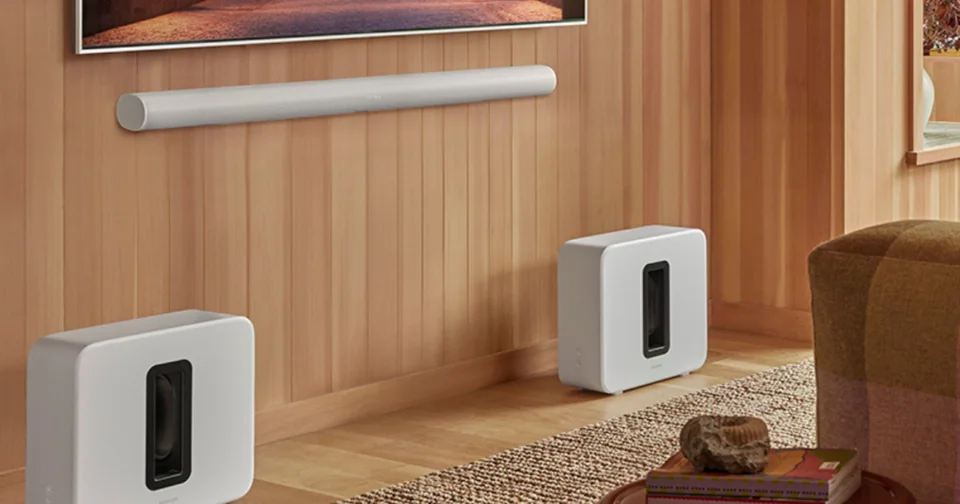
TechRadar notes that some soundbars have no HDMI passthrough, and that a budget bar without 4K 120Hz passthrough is a poor fit for someone with a current-generation console. The fix is to connect devices to the TV and send audio to the bar through eARC. See eARC vs. ARC and the soundbar buying guide.
TechRadar measures peak brightness on a small window and full-screen brightness on the whole picture, and says the full-screen number is usually lower, especially on OLED. Tom's Guide says even a very bright OLED may not match the average picture brightness of a similarly priced LED TV. The fix is to compare both numbers and to compare the same picture mode. See nits explained.
Tom's Guide's tester says modern OLEDs are far better protected than early ones and that burn-in should not stop you from buying one, but suggests resting the TV if you often leave static elements on screen. The fix is to match the TV to your use: varied viewing suits OLED, while a TV that shows the same news channel all day might suit Mini LED. See OLED burn-in explained.
Good to know
Choosing technology without considering the room. An OLED that looks superb in a dark room can disappoint in a room with a lot of daylight, according to Tom's Guide.
It helps, but store lighting and demo modes differ from home. Compare the TV in a picture mode you would actually use, and read reviews for the exact size and model.
Yes, with a soundbar. Check that the TV has an eARC HDMI port and that the soundbar's HDMI setup suits your devices.
Mentioned in this article
7 sources used for this article. We paraphrase and link, we do not republish.
More buying guide
A simple distance-to-screen rule, a lookup table for common sizes and the room factors that should nudge you up or down.

A step-by-step way to choose a TV you will still be happy with in several years, with the specs that matter and the ones that do not.

What makes a TV good for live games, and how to set it up so fast action stays sharp.
A short letter when something is worth your attention. Unsubscribe any time.