Skip to content
TVReviews

Buying guide

How to buy a TV: size, room, technology and what to ignore

A step-by-step way to choose a TV you will still be happy with in several years, with the specs that matter and the ones that do not.

By TV Reviews Editors 3 min read
Overlapping translucent panels of different sizes linked by a thin glowing line.
In this article
  1. Step 1: Choose the size
  2. Step 2: Think about the room
  3. Step 3: Pick a technology
  4. Step 4: Check the specs that matter
  5. Step 5: Set a budget with ranges
  6. What to ignore
  7. A shortlist routine

Key takeaways

  • Start with size and room, then choose a technology. Those two decisions shape the rest.
  • OLED wins on blacks and viewing angles, and Mini LED wins on brightness and bright-room performance.
  • Look at several numbers, not one: peak brightness, full-screen brightness, input lag and the number of full-speed HDMI ports.
  • Ignore brand names for panel types, headline brightness claims on their own and model names that skip the size and year.

Buying a TV gets easier if you decide things in order. Start with how big and where, then how bright, then the technology, and only then the features. This guide walks through that order and flags what you can skip.

Step 1: Choose the size

Measure the distance between your seat and the TV. TechRadar's size finder uses a ratio of 1.6 times the screen's diagonal for general viewing, 1.2 for a cinematic feel and 2 for a smaller picture. A seat 8 feet away, which is 96 inches, divides by 1.6 to give 60 inches. Our size guide has a full table.

Step 2: Think about the room

Light matters more than most shoppers expect. Tom's Guide says entry-level OLEDs are usually the dimmest and are best in dim rooms, while mid-range OLEDs are bright enough for most living rooms that are not flooded with sunlight. TechRadar's comparison found a mid-range Mini LED had a clear brightness advantage in strongly lit rooms, though neither it nor the OLED escaped reflections. For a room-by-room breakdown, see Best TV for your room.

Step 3: Pick a technology

OLED Mini LED
Black levels Pixel-level, deepest Good, some glow around bright objects
Brightness Lower, especially at entry level Higher
Viewing angles Best Weaker, though newer designs help
Burn-in concern Possible with static images Not generally

OLED makes light at each pixel, while Mini LED lights an LCD from behind with many small LEDs. Details are in OLED vs. Mini LED. Variants include QD-OLED, which adds quantum dots for extra brightness and color (see QD-OLED explained), and RGB Mini LED, which uses red, green and blue LEDs (RGB Mini LED explained).

Step 4: Check the specs that matter

  • Brightness, two numbers. TechRadar reports peak brightness on a small part of the screen and full-screen brightness over the whole picture. HDR content is commonly mastered at 1,000 nits, so reaching it helps. See nits explained.
  • HDR formats. Dolby Vision and HDR10+ are not interchangeable, and Samsung TVs lack Dolby Vision. See what is HDR.
  • Gaming features. For a console or PC, look for 4K 120Hz, VRR, low input lag and enough full-speed HDMI 2.1 ports. TechRadar's gaming guide lists the number of HDMI 2.1 ports, VRR types and measured lag for each pick. Read HDMI 2.1 explained and the gaming TV buying guide.
  • Sound. Built-in sound is rarely the best part of a TV. Plan for a soundbar with an eARC connection if you care about audio (eARC explained, soundbar guide).
  • Antenna features. If you watch over-the-air channels, check ATSC 3.0 and NextGen TV.

Step 5: Set a budget with ranges

Prices move, so use ranges and compare current prices before you buy. In general, entry-level OLED and mid-range Mini LED often compete for the same budget, as TechRadar's head-to-head shows. TechRadar noted ahead of the 2026 World Cup that the previous year's models were at some of their cheapest prices as new ones reached stores, which is covered in when to buy a TV. For a whole system, try the builder.

What to ignore

  • Panel brand names. TechRadar notes that makers give Mini LED different names: for example, Samsung Neo QLED and LG QNED. Look for the backlight type in the spec sheet instead.
  • A single brightness number. The brightest figure on the box is usually from a small test window. Check the full-screen number too.
  • A model name without a size and year. Two TVs under one name can differ. TechRadar reports that LG's 2026 C6 line has a different, brighter panel on the largest sizes, sold under the C6H name. See TV model numbers explained and use the decoder.

A shortlist routine

  1. Write down your seating distance and pick a size range.
  2. Note your room lighting and choose OLED or Mini LED.
  3. Filter in the finder by size, panel type and must-have features.
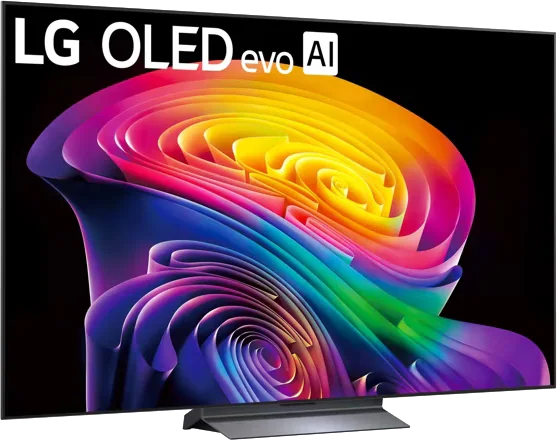
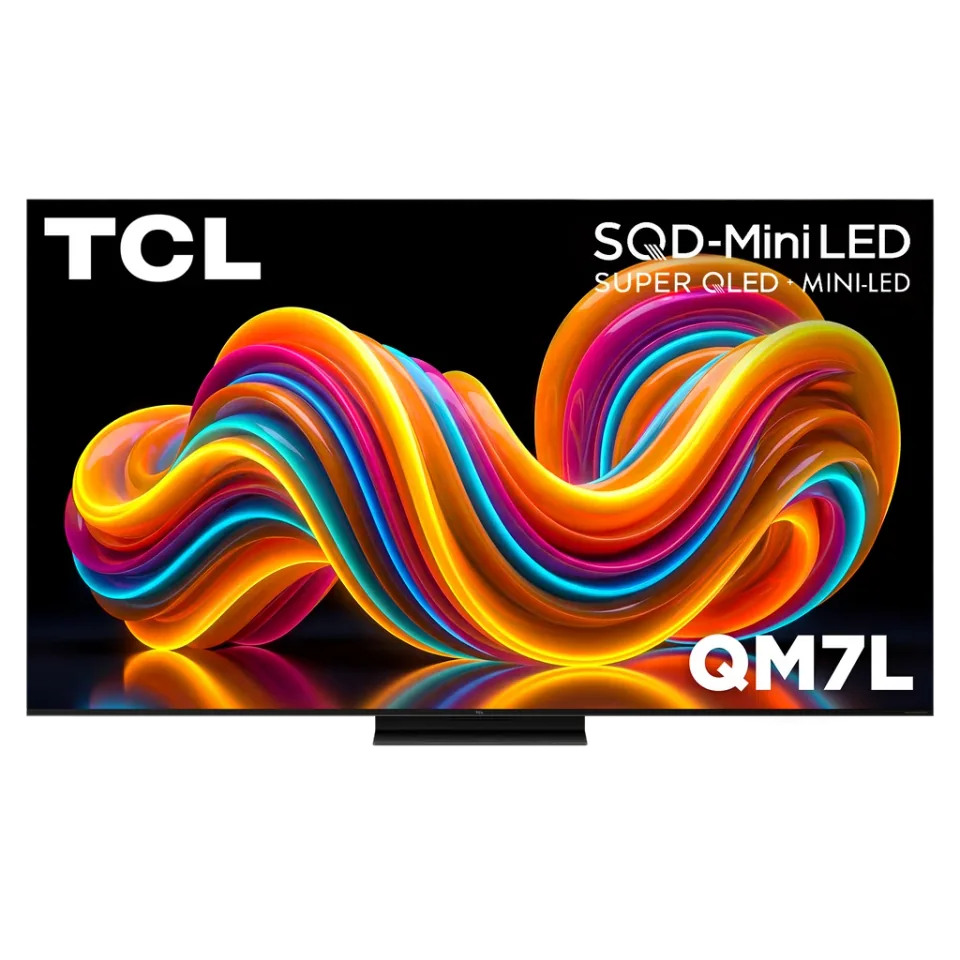
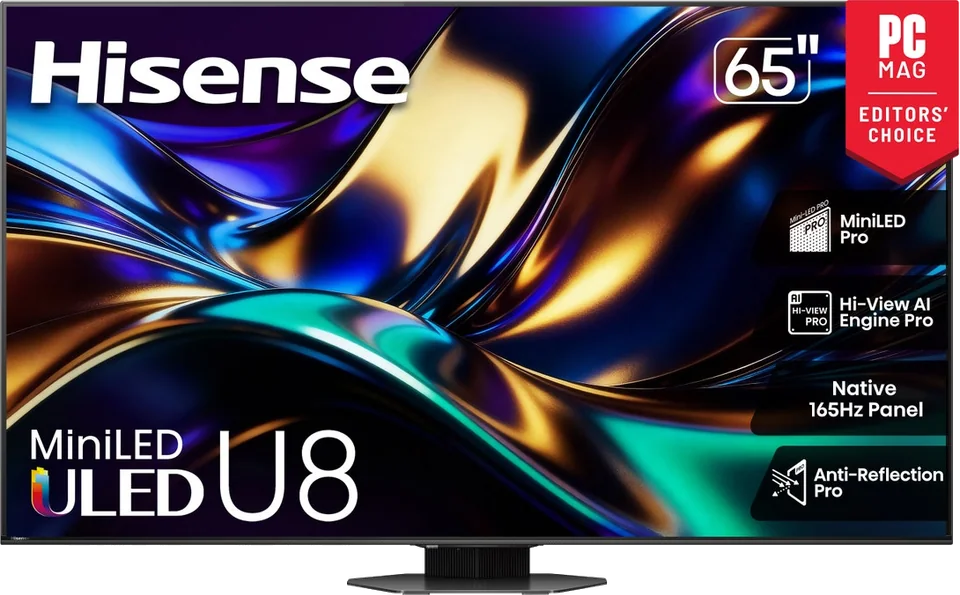
  4. Compare finalists side by side in the compare tool, such as the LG C6, TCL QM7L and Hisense U8QG.
  5. Read the review for the exact size you plan to buy, then check current prices.
Heads up Wall mounting a large TV needs the right hardware and a safe, solid wall. If you are unsure about the wall or the weight, hire a professional installer.
  • buying-guide
  • tv-size
  • oled
  • mini-led

Good to know

Questions people ask

How long should a TV last?

That depends on the model and how it is used. The sources used here do not give a lifespan. Choose a TV with the ports and features you will need for the next several years, and read the warranty terms.

Is it better to buy last year's model?

Often it is a sound value, because retailers discount previous models when new ones arrive. Compare the specs and check that the older model has the features you need.

Should I buy a TV with a built-in soundbar?

Built-in speakers are rarely the strong point of a TV. TechRadar's reviews often suggest adding a soundbar, so choose a TV with an eARC port and plan the connection.

Mentioned in this article

The products

LG LG C6 OLED evo

LG · 2026 · WOLED

C6 OLED evo

42 · 48 · 55 · 65 · 77 · 83″

From

$899.99
MOV
BRT
GME
TCL TCL QM7L SQD-Mini LED

TCL · 2026 · Mini LED

QM7L SQD-Mini LED

55 · 65 · 75 · 85 · 98″

From

$699.99
MOV
BRT
GME
Hisense Hisense U8QG Mini LED

Hisense · 2025 · Mini LED

U8QG Mini LED

55 · 65 · 75 · 85 · 100″

Check retailers
MOV
BRT
GME
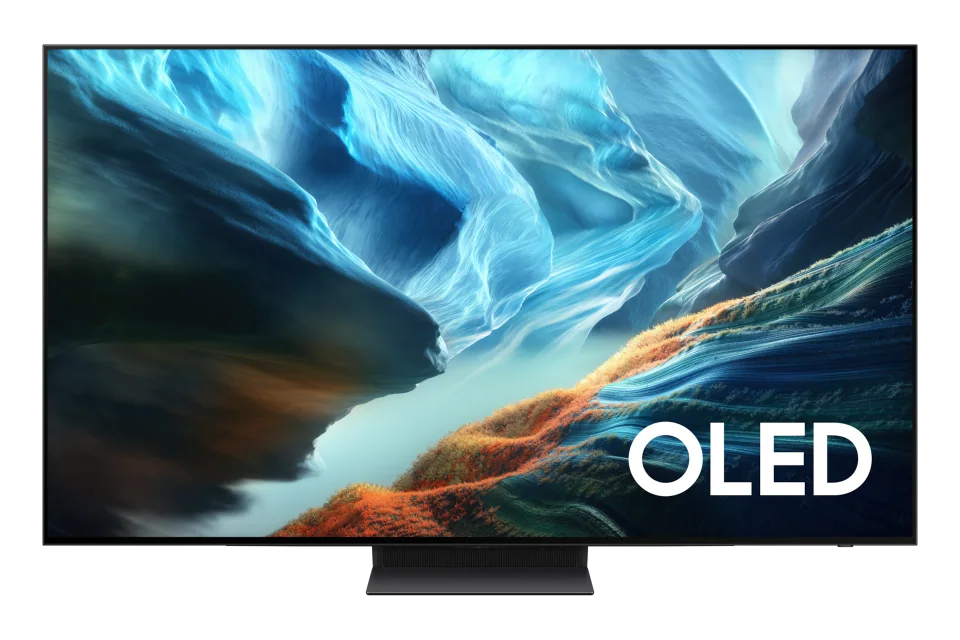
Samsung Samsung S90H OLED

Samsung · 2026 · WOLED

S90H OLED

42 · 48 · 55 · 65 · 77 · 83″

From

$899.99

MOV
BRT
GME

Sources and further reading

8 sources used for this article. We paraphrase and link, we do not republish.

  1. TV size finder: get the right size screen for your room · TechRadar
  2. I tested TCL's mid-range mini-LED TV against LG's most affordable OLED TV in a head-to-head clash · TechRadar
  3. Your living room might be too bright for an OLED TV: here's how to tell · Tom's Guide
  4. How we test TV brightness at TechRadar · TechRadar
  5. The best gaming TV for all budgets · TechRadar
  6. Mini LED vs OLED: which TV technology is better? · TechRadar · Jun 2, 2022
  7. As TechRadar's TV tester, I've created 4 TV and soundbar setups to suit every budget · TechRadar
  8. The LG C6 OLED TV comes in two versions and one's way better than the other · TechRadar

More buying guide

Keep reading

Get the next one in your inbox

A short letter when something is worth your attention. Unsubscribe any time.