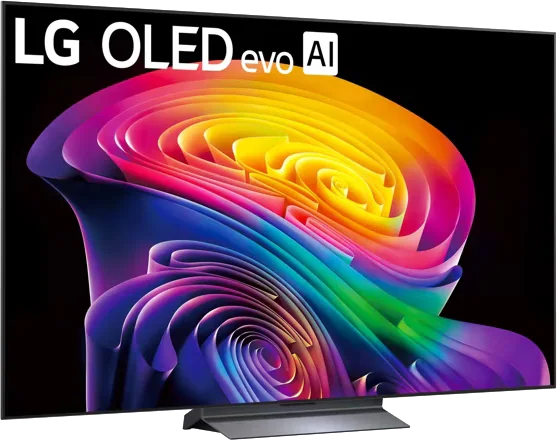
LG · 2026 · WOLED
C6 OLED evo
42 · 48 · 55 · 65 · 77 · 83″
From
$899.99
MOV
BRT
GME
Buying guide
Which TV features actually matter for gaming, how many HDMI 2.1 ports you need and the traps to avoid.

A good gaming TV is mostly about responsiveness and the right connections, then about how good it looks in your room. This guide covers the specs that matter for a PlayStation 5, Xbox Series X or gaming PC.
1. Refresh rate and resolution. HDMI.org says the PS5 and Xbox Series X were the first consoles to support the latest HDMI gaming features, and that several graphics cards from Nvidia, AMD and Intel support them too. For TVs, the target is 4K at 120Hz. TechRadar's picks go beyond that, listing 144Hz and 165Hz refresh rates on several models.
2. Variable refresh rate (VRR). It lets the console send each frame when it is ready, reducing judder and tearing. TechRadar lists the type of VRR for each pick, including FreeSync and G-Sync, so check what your hardware uses. Our VRR, ALLM and input lag explainer has the details.
3. Auto Low Latency Mode (ALLM). The TV switches itself into game mode when it detects a console. HDMI.org notes that this mode may turn off picture processing that helps movies, so it reverts automatically afterward.
4. Input lag. TechRadar measures it in game mode with a dedicated tester and says most TVs it tests come in under 20ms, with professionals preferring under 15ms according to Intel. Its picks include the LG C6 at 9.2ms in Boost mode, the Samsung QN90F at 9.5ms and the TCL C6K, the UK name for the QM6K, at 13.6ms.
The HDMI 2.1 label is not a guarantee of every feature on every port. TechRadar's gaming guide shows the number of HDMI ports and how many are HDMI 2.1 for each pick. For instance, the LG C6 and Samsung QN90F are listed with four HDMI 2.1 ports. The same guide says the TCL QM6K is a budget gaming TV with a 144Hz refresh rate, Dolby Vision gaming and ALLM.
Things to verify:
Dolby Vision gaming and HDR10+ gaming are different. TechRadar lists the C6 with Dolby Vision gaming but without HDR10+, the QN90F with HDR10+ gaming but no Dolby Vision, and the TCL QM6K with Dolby Vision gaming. Tom's Guide adds that Sony's Bravia 8 II is a top-tier TV but its gaming feature set is less thorough than what LG and Samsung offer. TechRadar's guide, on the other hand, credits it with full HDMI 2.1 features plus PS5 Tone Mapping. Check the current spec sheet if either feature matters.
See OLED vs. Mini LED for the trade-offs, and OLED burn-in explained if you play games with fixed on-screen displays for hours.
Gaming usually means sitting closer than for movies, so a 42 to 55-inch OLED or a mid-size Mini LED can be a good fit on a desk or media stand. Use the size guide to match size to distance.
Use the finder to filter by gaming features.
Good to know
No. TechRadar's gaming picks include OLED, Mini LED and budget Mini LED. OLED suits dark rooms, while a bright Mini LED or an anti-glare screen suits daytime play.
At least one for your main console or PC. If you also have a second console or plan to connect a soundbar over eARC, four full-speed ports means you will not have to swap cables.
TechRadar says GTA 6, due on November 19, 2026, does not support features at launch that benefit from specific TV technology, so its existing recommendations still apply.
Mentioned in this article
LG · 2026 · WOLED
42 · 48 · 55 · 65 · 77 · 83″
From
$899.99
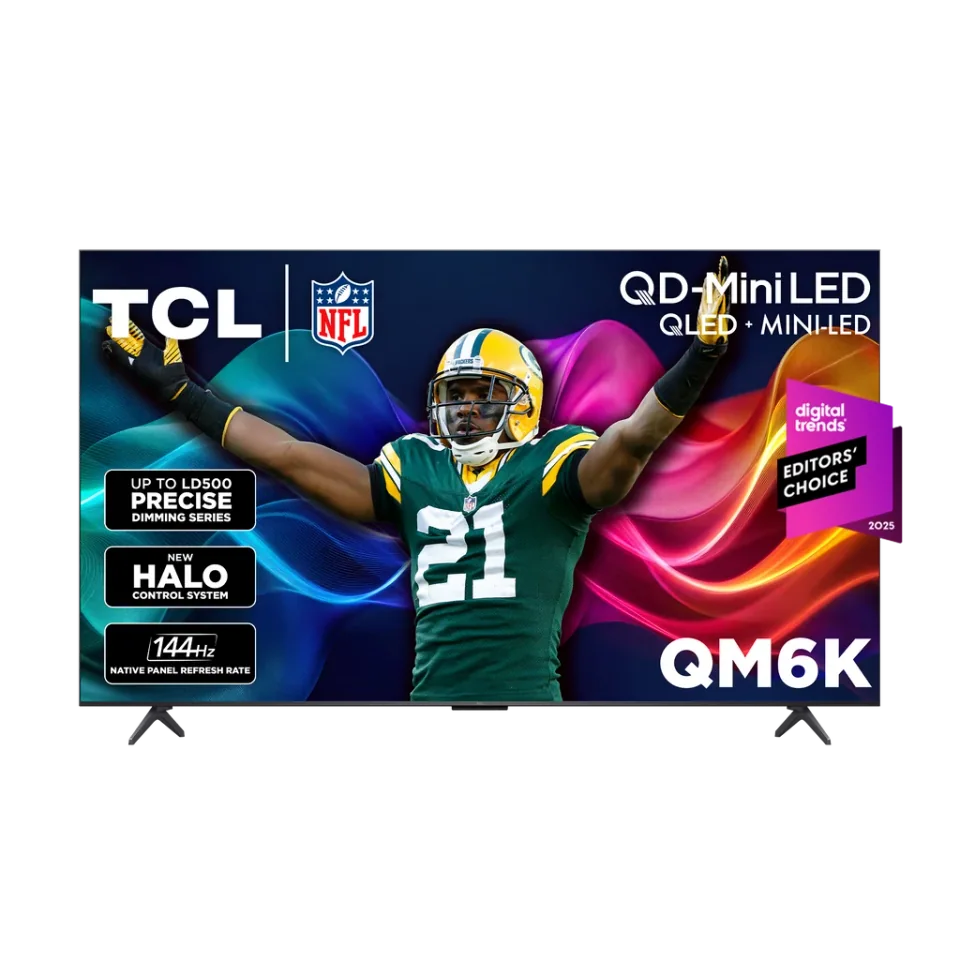
TCL · 2025 · Mini LED
55 · 65 · 75 · 85 · 98″
From
$479.99
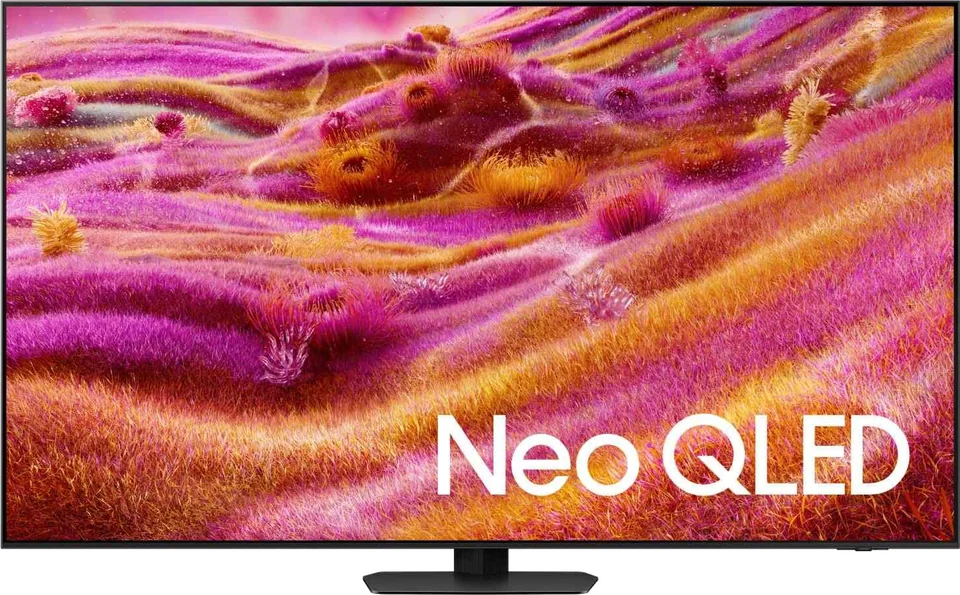
Samsung · 2025 · Mini LED
43 · 50 · 55 · 65 · 75 · 85 · 98″
From
$15,000
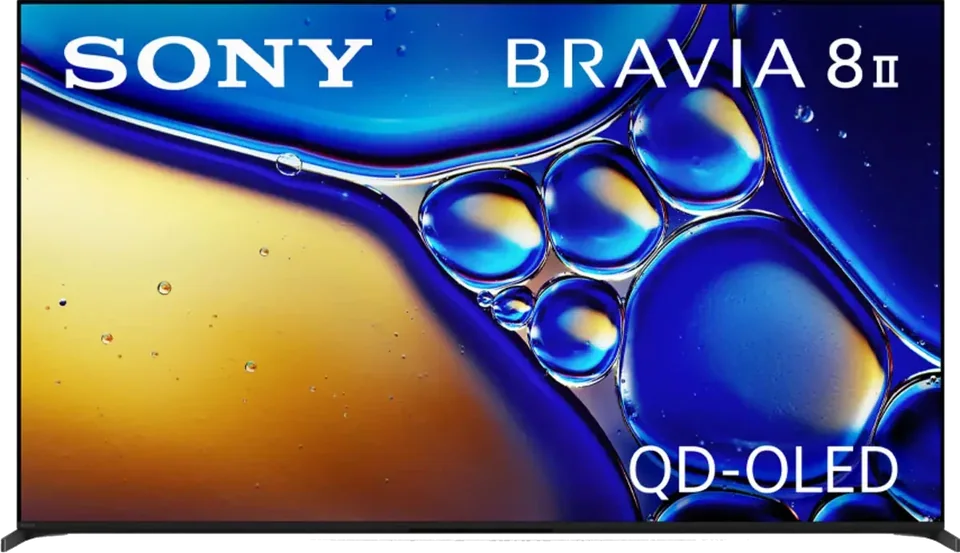
Sony · 2025 · QD-OLED
55 · 65″
From
$1,998
6 sources used for this article. We paraphrase and link, we do not republish.
More buying guide
A simple distance-to-screen rule, a lookup table for common sizes and the room factors that should nudge you up or down.

Seven mistakes that show up again and again in reviews and buyer guidance, and a quick fix for each.

A step-by-step way to choose a TV you will still be happy with in several years, with the specs that matter and the ones that do not.
A short letter when something is worth your attention. Unsubscribe any time.