Sonos · 2021
Beam (Gen 2)
Soundbar
From
$499
Troubleshooting
A step-by-step checklist for a silent soundbar: the right port, HDMI-CEC, the TV's sound output and the audio format.
Silence from a soundbar on HDMI almost always comes down to a port, a setting or a device in the chain. This checklist follows Samsung's published steps and works on other brands in spirit. Menu names differ, so use the brand notes as a guide.
Samsung says to unplug other devices from the TV first. Some external devices do not comply properly with HDMI, which can break ARC or eARC. Reconnect them one at a time. Also power both the TV and the soundbar off, wait, and turn them back on.
Samsung's guidance is to replace a defective cable and to use a cable that supports eARC. The HDMI Forum describes eARC as built for high-bitrate formats such as Dolby Atmos, so use a certified Ultra High Speed cable.
Samsung's eARC page says to confirm that the connected AV device is eARC-capable and that the port used is the same one labeled ARC. Its list of supported models is specific to Samsung, and other makers publish their own lists, so check your model's manual.
If you connected by Bluetooth, Samsung says microwaves and routers can interfere, a metal surface can drop the sound, and unpairing then pairing again can help. For Wi-Fi, both devices must be on the same network. See how to connect a soundbar.
If sound exists but lags behind the picture, use the soundbar's audio sync control. On Samsung bars the delay range is 0 to 300 milliseconds on models that provide it.
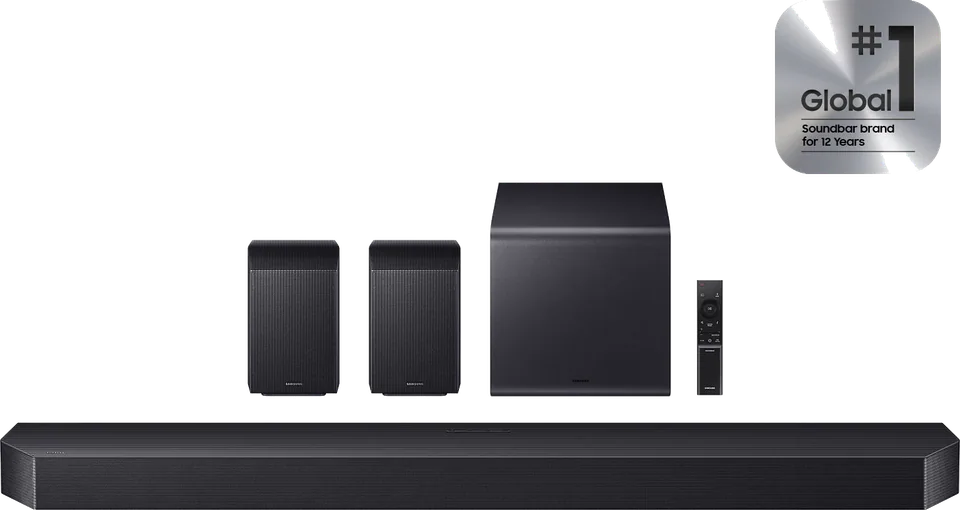
Not sure how to set it up from scratch? See how to set up eARC. Catalog examples: Sonos Beam Gen 2, Samsung HW-Q990H.
Good to know
Check the TV's audio output format setting. Samsung suggests testing PCM, Auto and Pass-Through in turn to see whether the soundbar is rejecting a format.
It can. Engadget notes that eARC only works when HDMI-CEC is on, so disabling CEC to stop input switching can cause an audio problem.
Samsung suggests trying the soundbar on another TV with an eARC port. If it works there, the first TV is the likely cause.
Mentioned in this article
5 sources used for this article. We paraphrase and link, we do not republish.
More troubleshooting
Restart, update, clear the cache, test the network and reinstall in that order. Samsung and Fire TV paths included.
Check the standby light, the outlet, the remote and any surge protector before you assume the TV is broken.
Dolby Vision only shows up when the TV, app, plan, cable, settings and sometimes the soundbar all support it. Here is how to find the broken link.
A short letter when something is worth your attention. Unsubscribe any time.