Image pending
Amazon · 2025 · QLED
Fire TV Omni QLED Series (2025)
50 · 55 · 65 · 75″
Check retailers
MOV
BRT
GME
Troubleshooting
Restart, update, clear the cache, test the network and reinstall in that order. Samsung and Fire TV paths included.
When one app lags or crashes, the fix is usually small. Go in this order, stopping when the app behaves.
A cold boot works like restarting a computer. Samsung gives two ways: hold the power button on the remote for about 5 seconds until the TV turns off and on, or unplug the TV for at least 30 seconds. On a Fire TV Stick, Engadget says Amazon recommends unplugging for a full minute. Test the app again.
Update the TV's software. TechRadar recommends checking the System or Settings menu for Check for Update or Software Update, since smart TV platforms get regular upgrades. Then update the app. On a Samsung TV, open Apps, scroll to App Settings and make sure Auto update is on. Samsung also warns that technical limits can stop an app from working on certain models, so check the app developer's page for your model.
A swollen cache is a common cause of slowness.
Samsung's Device Care menu path varies by model year, so use search in settings if you do not see it.
On Samsung: Apps > App Settings, then choose Reinstall for the app. If the option is missing, the app may not support reinstalling or may be unavailable for your model. Other platforms let you uninstall and reinstall from their app stores.
Samsung suggests connecting the TV by Ethernet to see if the app works. If it does, the Wi-Fi is the problem. You can also try a phone hotspot or a different Wi-Fi network. If the app fails everywhere, Samsung says changing DNS settings to alternate servers sometimes helps. Their example is entering 8.8.8.8 manually under the TV's network settings. Treat this as an experiment and note your original settings first.
Samsung's Smart Hub reset initializes downloaded apps, signs you out of every app and Samsung account, and removes apps that were not pre-installed. You must be on live TV or an HDMI input to start it. Paths from Samsung Australia:
A full factory reset is the last step. Samsung says it reverts picture, sound, channel, clock and timer settings but does not change network settings. On Fire TV, Engadget gives Settings > My Fire TV > Reset to factory defaults, and warns that you will need to log in everywhere afterward.
Engadget says entry-level sticks tend to bog down first. It suggests turning off autoplay in Featured Content settings, since playing video or audio for each title you browse can slow a struggling device. Amazon says it will continue security updates for most of its current sticks through 2030, but old models eventually lose app support. Engadget notes that Netflix has said it may end support on devices made before 2015.
If a restart, update, cache clear, reinstall and reset do not fix it, the device may be too old or too small. A newer streaming player can be a cheaper fix than a new TV. Our catalog includes Apple TV 4K and Google TV Streamer. Choose by platform rather than by speed alone.
Good to know
Engadget says streaming sticks have limited memory, apps grow with updates, and a bloated cache is a common cause of slowdowns. Older devices can also lose support from apps entirely.
Often yes. Engadget says that after clearing app data on a Fire TV Stick you will probably need to log back into your services, so keep your passwords handy.
On Samsung TVs, Samsung says a factory reset does not change network settings. It does revert picture, sound, channel and clock settings.
Mentioned in this article
Amazon · 2025 · QLED
50 · 55 · 65 · 75″
Check retailers
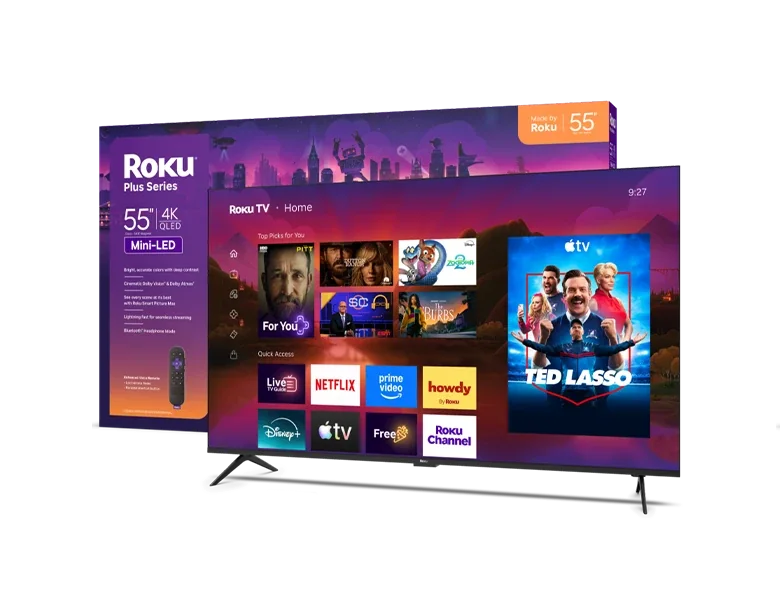
Roku · 2026 · Mini LED
55 · 65 · 75″
Check retailers

Google · 2024
Streaming device
From
$149.99
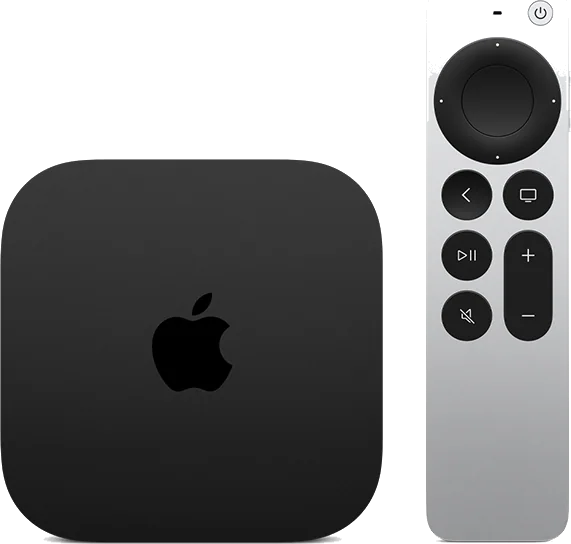
Apple · 2026
Streaming device
From
$299
4 sources used for this article. We paraphrase and link, we do not republish.
More troubleshooting
Check the standby light, the outlet, the remote and any surge protector before you assume the TV is broken.

Dolby Vision only shows up when the TV, app, plan, cable, settings and sometimes the soundbar all support it. Here is how to find the broken link.
A step-by-step checklist for a silent soundbar: the right port, HDMI-CEC, the TV's sound output and the audio format.
A short letter when something is worth your attention. Unsubscribe any time.