Belkin
Connect Ultra High-Speed HDMI Cable (8K)
HDMI cable
From
$16.99
Troubleshooting
When a TV loses a device, flickers or goes black, work through this order: power, source, port, cable, then the device.
HDMI problems tend to look dramatic: no signal, a flicker, a black screen that returns after a few seconds. The cause is usually simple. Follow the steps in order, as Samsung's own HDMI guide recommends.
Samsung's order is:
If reseating does not help, try a different cable. Samsung recommends using a certified cable compatible with the device. For modes such as 4K at 120Hz, Engadget says to buy by category. Ultra High Speed cables are certified for up to 48Gbps, while Premium High Speed cables are certified for up to 18Gbps. The HDMI Forum says certified Ultra High Speed cables carry a label on the packaging and the cable name on the jacket. See 4K 120Hz not working.
Engadget says there is no official maximum length, and the usable distance depends on the cable, the signal and the hardware at each end. As bandwidth rises, a long cable becomes less forgiving. When a cable hits its limit, the picture does not fade gently. It jumps from fine to broken, showing flicker, bright speckles, audio dropouts, brief blackouts or nothing at all.
Samsung TVs include an HDMI troubleshooting function: Home > Settings > Support > Device Care > Self Diagnosis > HDMI Troubleshooting. Samsung says to check the connected ports in order, and notes that the exact menu path varies by model. Other brands may offer a similar test under support or diagnostics settings. Check your manual.
Engadget lists CEC as a cause of a TV that switches input by itself or turns on unexpectedly. If a device keeps waking the TV or stealing the input, turn off CEC for that device or reseat the cable and update firmware. If you use eARC, note that CEC must stay on.
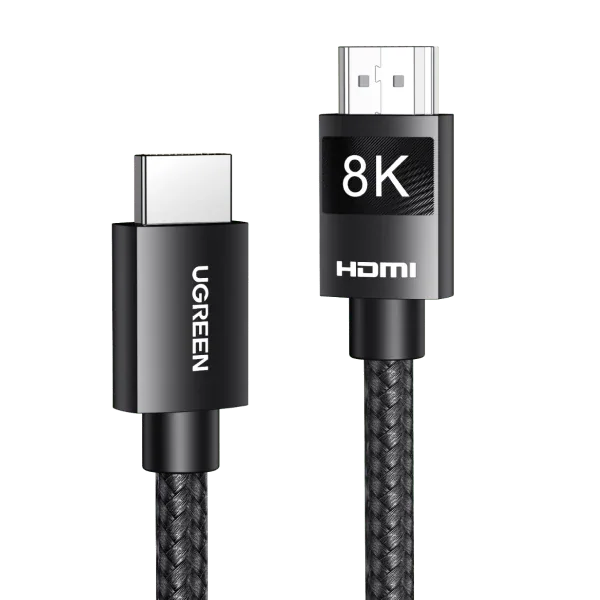
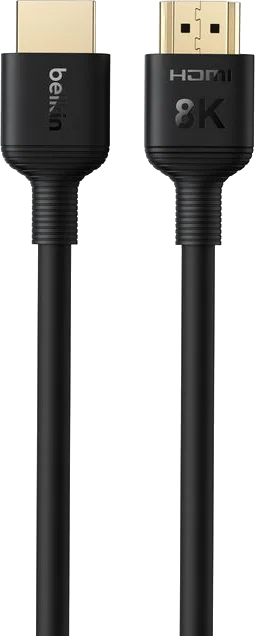
Related: no sound from soundbar over eARC. Catalog examples of Ultra High Speed cables: Belkin Ultra HD HDMI 2.1 and UGREEN 8K HDMI 2.1.
Good to know
It is the exchange where the source and the display agree on what picture the cable can carry. When it fails you may see no signal, flicker or a black screen. The fix is usually a reseated connection, a different port, a different cable or a power cycle.
Samsung says to set the TV source to the port you actually used, and to try another port if the issue persists. Ports can also differ in features, so check your manual.
Yes. Engadget gives that exact case: a cable that handles 4K at 60Hz can fail when the signal rises to 4K at 120Hz.
Mentioned in this article
5 sources used for this article. We paraphrase and link, we do not republish.
More troubleshooting
Restart, update, clear the cache, test the network and reinstall in that order. Samsung and Fire TV paths included.
Check the standby light, the outlet, the remote and any surge protector before you assume the TV is broken.
Dolby Vision only shows up when the TV, app, plan, cable, settings and sometimes the soundbar all support it. Here is how to find the broken link.
A short letter when something is worth your attention. Unsubscribe any time.