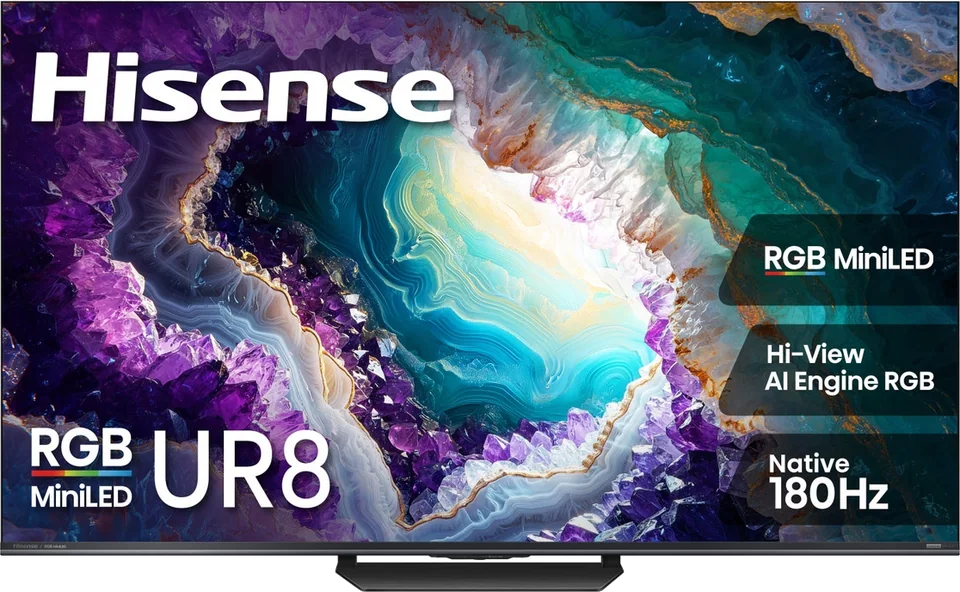
Hisense · 2026 · RGB Mini LED
UR8 RGB Mini LED
55 · 65 · 75 · 85 · 100″
List from
$1,299
MOV
BRT
GME
Explainer
RGB backlights use red, green and blue LEDs instead of white or blue ones plus filters. Here is what testers found and what to watch for.
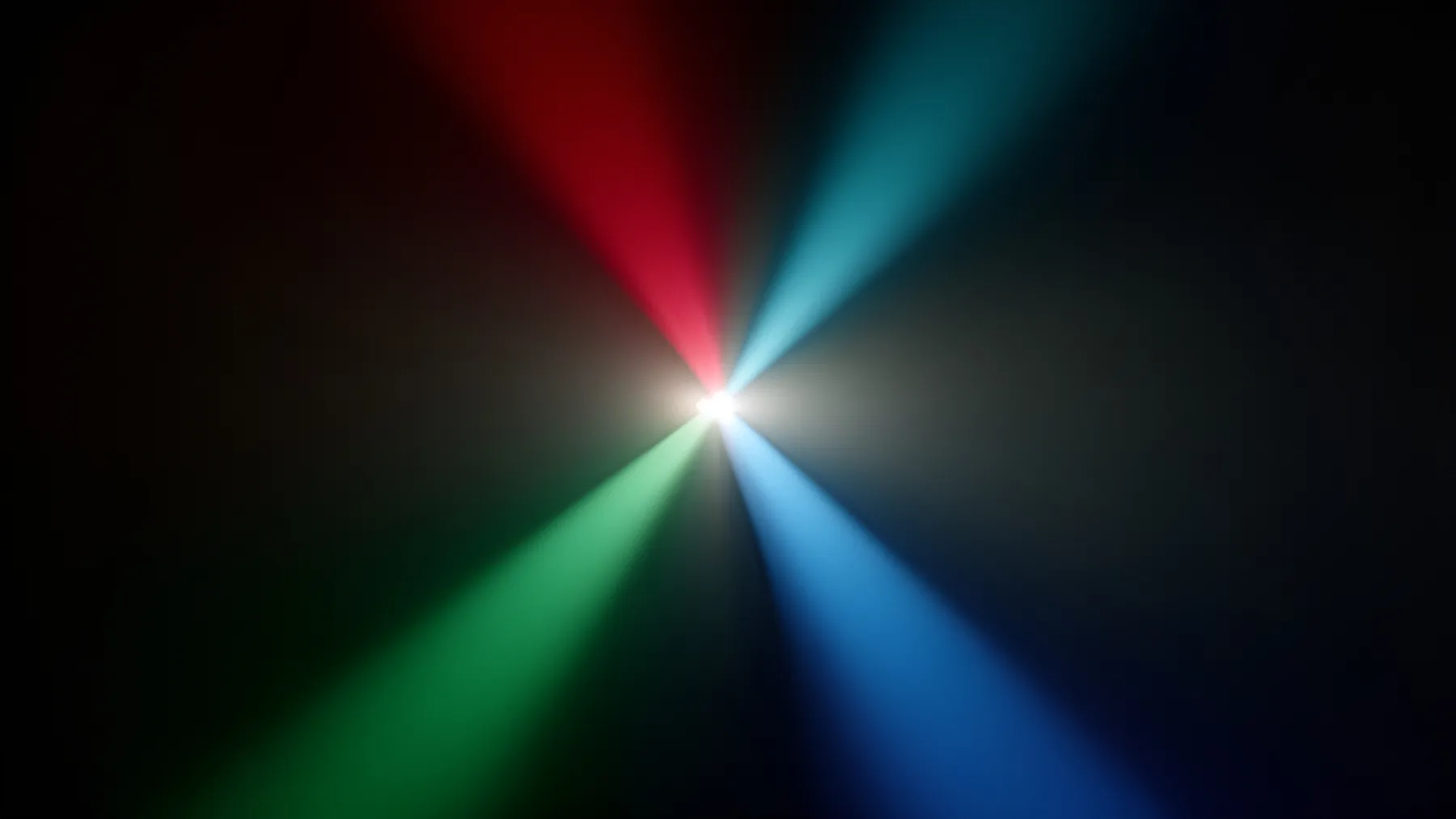
RGB Mini LED is the newest backlight design in premium LCD TVs. It is sold under several names, but the idea is the same: instead of lighting the screen with white or blue LEDs and relying on filters and quantum dots, the TV uses small red, green and blue LEDs to make color.
A conventional Mini LED TV has a dense array of LEDs grouped into dimming zones. Tom's Guide explains that these sets create color by passing white or blue light, depending on whether quantum dots are used, through filters. An RGB TV keeps the dimming zones but swaps the light source for red, green and blue LEDs, which produces brighter and purer primary colors.
The marketing names are different from brand to brand. Tom's Guide lists Samsung Micro RGB, LG Micro RGB evo, Hisense RGB Mini-LED and Sony True RGB, and says the hardware is similar. Hisense says it introduced the first consumer RGB MiniLED TV in 2025 and widened the range at CES 2026 with the UR8 and UR9, while Samsung has the R95H and Sony has the Bravia 7 II and Bravia 9 II.
Tom's Guide tested RGB sets from almost every major brand and concluded that color is the primary benefit. For brightness, contrast control and other picture factors, it found RGB TVs roughly on par with the best quantum dot Mini LED models of recent years.
TechRadar compared a budget RGB set, the Hisense UR8, with a standard Mini LED, the Samsung QN80H, which sold at a similar cost in the US. Some of the results ran against expectations:
The lesson is that RGB is a design choice, not a guarantee. Tuning and processing decide how a particular TV looks.
Tom's Guide highlights color crosstalk as the main disadvantage versus standard Mini LED. Because the LEDs are bright and close together, a light-colored object can take on the tint of nearby colors. The commonly cited example is white lines on a soccer pitch appearing faintly green. How well a TV avoids this, along with haloing and blooming, comes down to the brand's engineering and not just the RGB label.
Tom's Guide says RGB sets are on average more colorful than current tandem OLEDs and brighter at full screen, though they must fight issues like crosstalk and haloing. QD-OLED rivals them on color. For dark-room movie watching, OLED's per-pixel control still matters more to many viewers. For more on the OLED side, see QD-OLED explained and OLED vs. Mini LED.
Tom's Guide notes that the cheapest RGB TVs remain costly and describes even the lower tiers from Hisense, Samsung and Sony as premium. If you watch in a bright room and value vivid color, RGB is worth a look, particularly if a retailer discounts last year's model. Otherwise, a good standard Mini LED or a mid-range OLED may give you most of the benefit for less. Use the finder to filter by backlight type, and check current pricing before you decide.
Good to know
No. RGB Mini LED is an LCD TV with a red, green and blue LED backlight. Micro LED is a different technology that TechRadar describes as reserved for the biggest and most expensive screens.
It is brighter in most cases and can look very colorful, but OLED still has pixel-level contrast control and the widest viewing angles. Reviewers describe the two as strong in different ways.
It depends on the model. Tom's Guide considers color its main advantage, while TechRadar found a budget RGB set matched by a regular Mini LED in color pop. Look for reviews of the exact model.
Mentioned in this article
Hisense · 2026 · RGB Mini LED
55 · 65 · 75 · 85 · 100″
List from
$1,299
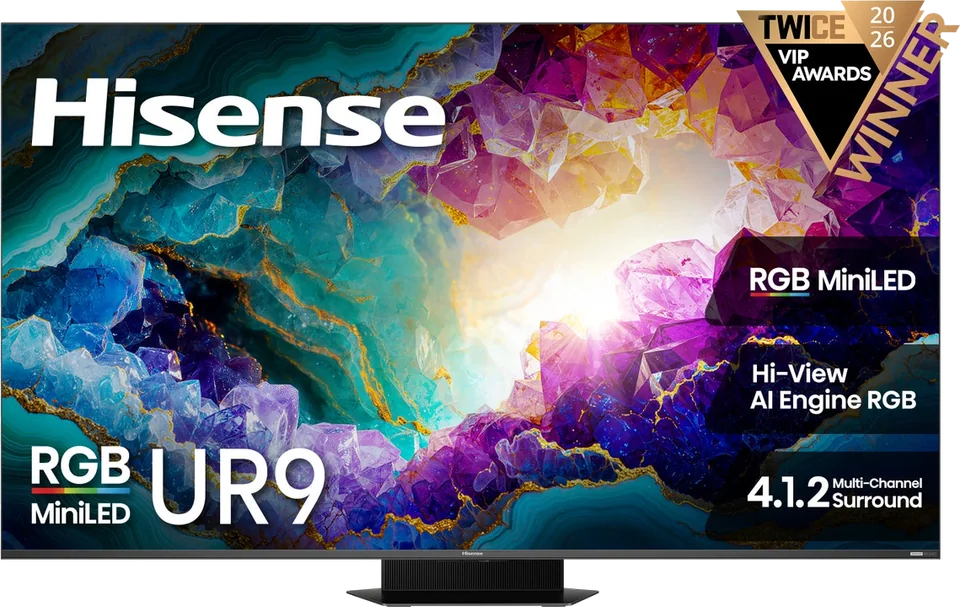
Hisense · 2026 · RGB Mini LED
65 · 75 · 85 · 100″
List from
$3,500
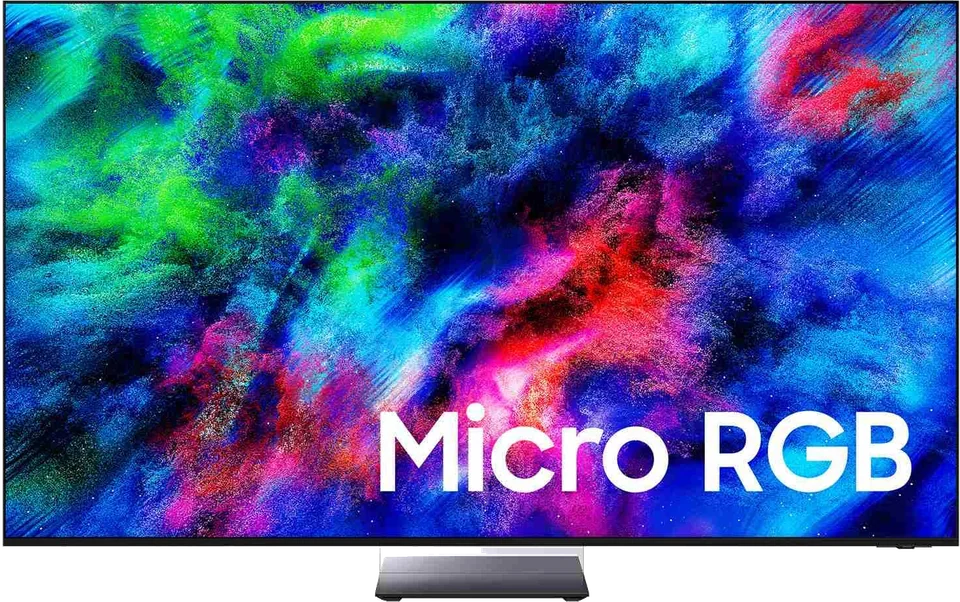
Samsung · 2026 · RGB Mini LED
65 · 75 · 85″
From
$2,500
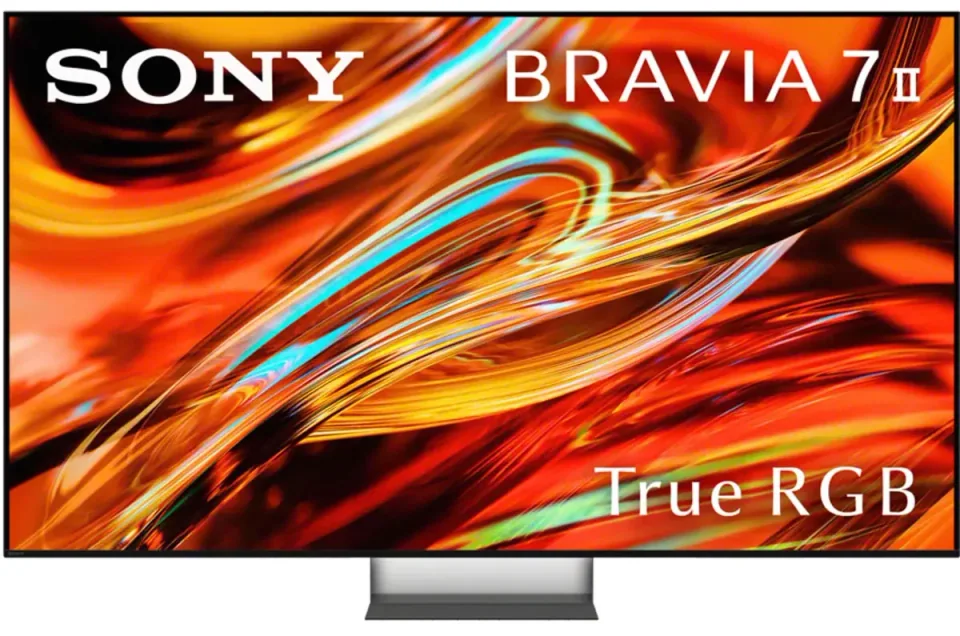
Sony · 2026 · RGB Mini LED
55 · 65 · 75″
From
$1,398
4 sources used for this article. We paraphrase and link, we do not republish.
More explainer

A nit is a unit of brightness. Here is how to read the numbers in TV reviews and how much you really need.

HDR widens the range between dark and bright on screen. Here is how the main formats differ and which brands support which.

What HDMI 2.1 actually adds, why only some ports on a TV may support it, and how to pick a cable that will not hold you back.
A short letter when something is worth your attention. Unsubscribe any time.