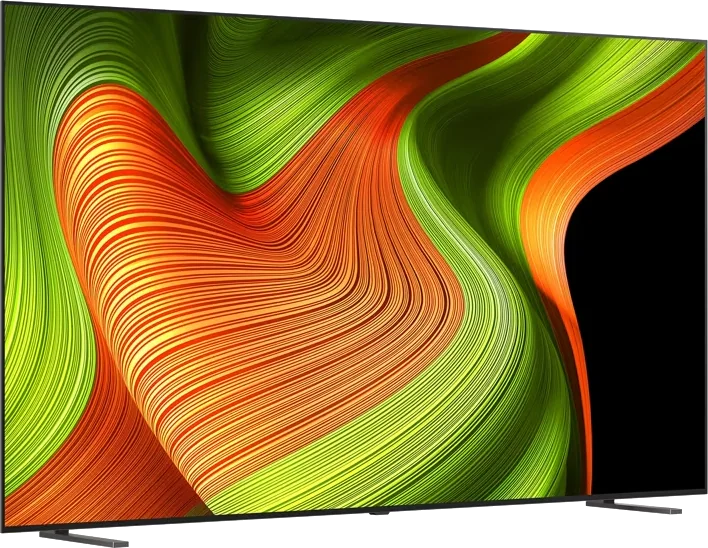
LG · 2025 · WOLED
B5 OLED
48 · 55 · 65 · 77 · 83″
List from
$1,400
MOV
BRT
GME
Explainer
A nit is a unit of brightness. Here is how to read the numbers in TV reviews and how much you really need.

Every TV review quotes a brightness figure measured in nits. It is the first spec most people compare, and also one of the easiest to misread.
TechRadar describes a nit as the standard unit for measuring TV brightness, equal to candelas per square meter, the same as cd/m2.
TechRadar's testing guide explains that its reviews give two brightness readings.
The two can be far apart. Tom's Guide says the Samsung S95H, one of the brightest OLEDs it has tested, reached around 2,700 to 2,800 nits in HDR highlights, but its average picture brightness is nowhere near what a similarly priced flagship LED TV offers. TechRadar adds that OLED full-screen figures are usually lower because the TV limits brightness on large bright areas.
HDR video can contain highlights well beyond 1,000 nits. TechRadar notes that HDR movies are commonly mastered for home release at a maximum of 1,000 nits. A TV that can reach that level shows the full range. A dimmer TV uses tone mapping, which compresses the brightest tones to fit, and how well it does that is crucial to HDR quality. TechRadar adds that Dolby Vision was built to do this job better on dimmer sets. See what is HDR for formats.
VESA, the group behind the DisplayHDR certification for monitors and some displays, uses tiers named 400, 500, 600, 1000 and 1400, with minimum peak and sustained brightness for each tier. Tier names correspond to a minimum measured brightness in nits, for example 1000 means at least 1,000 nits on a small center patch. The tiers show how widely 1,000 nits is used as a benchmark.
Those figures show a pattern: Mini LED and RGB sets are brightest overall, flagship OLEDs have closed much of the gap, and entry-level OLEDs remain the dimmest.
Tom's Guide's advice is practical. Entry-level OLEDs, such as the LG B5, look superb in dim and darkened rooms, but in a sun-soaked space a bright LCD TV may serve better. Mid-range OLEDs are bright enough for most rooms unless sunlight floods the space. Samsung's Glare-Free matte screens reduce reflections, though Tom's Guide notes they can lift black levels in bright conditions and give dark scenes a purplish-gray look.
A simple way to apply this: for a dim room, even an entry-level OLED is enough; for mixed light, look at a mid-range OLED or a Mini LED; for sunny rooms, shop Mini LED such as the TCL QM7L or Hisense UR8. The room-by-room version is in our best TV for your room guide.
Good to know
For dim rooms, an OLED with a peak near 800 nits can look excellent. For rooms with lots of daylight, reviewers lean toward brighter LCD-based TVs or anti-reflection screens. HDR content is often mastered to 1,000 nits.
Peak brightness is measured on a small window of the screen, such as 10 percent, and reflects highlights. Full-screen brightness is measured across the whole picture and reflects how a TV copes with bright scenes such as sports or news.
TechRadar says OLED TVs use brightness-limiting circuits that cap bright, uniform images to protect the panel. This is why OLED can look dimmer than the peak number implies.
Mentioned in this article
LG · 2025 · WOLED
48 · 55 · 65 · 77 · 83″
List from
$1,400
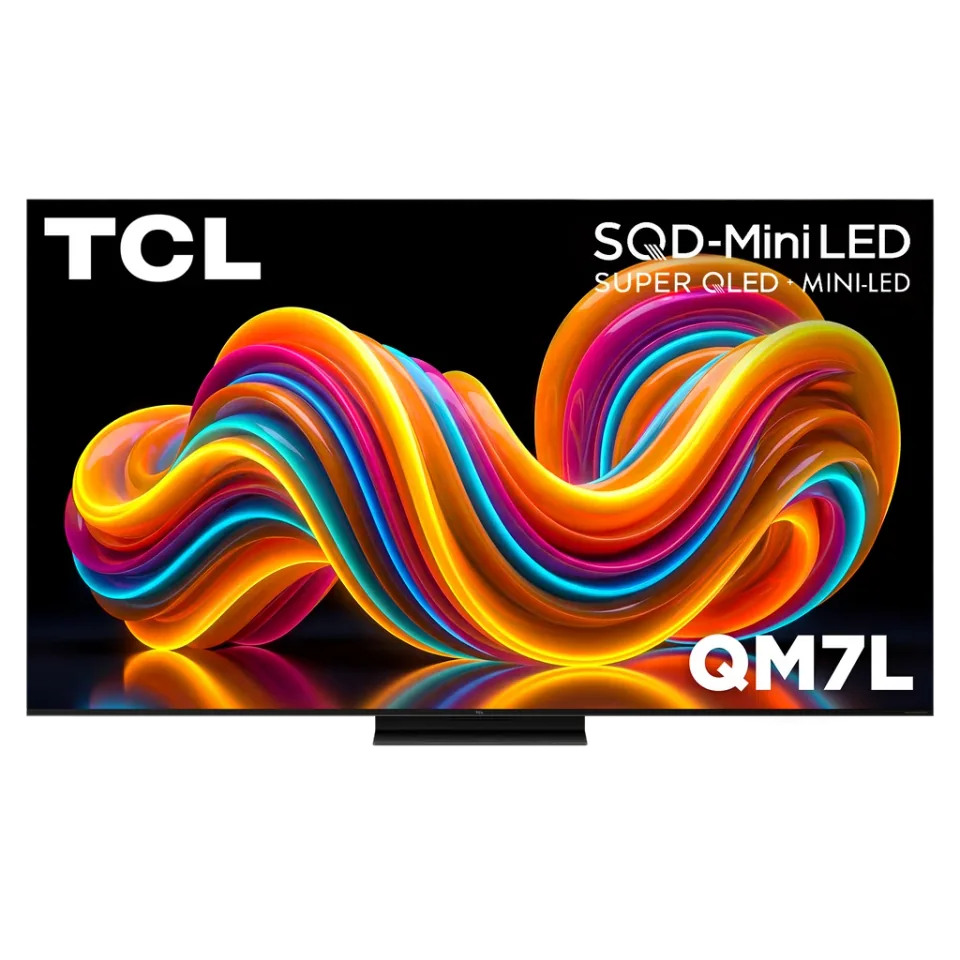
TCL · 2026 · Mini LED
55 · 65 · 75 · 85 · 98″
From
$699.99
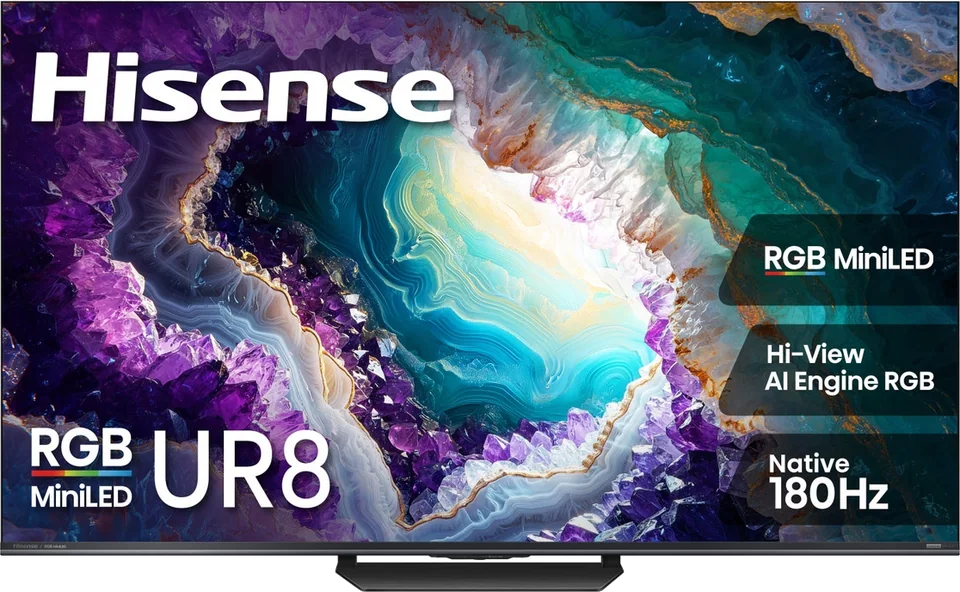
Hisense · 2026 · RGB Mini LED
55 · 65 · 75 · 85 · 100″
List from
$1,299
Samsung · 2025 · Mini LED
43 · 50 · 55 · 65 · 75 · 85 · 98″
From
$15,000
5 sources used for this article. We paraphrase and link, we do not republish.
More explainer

HDR widens the range between dark and bright on screen. Here is how the main formats differ and which brands support which.

What HDMI 2.1 actually adds, why only some ports on a TV may support it, and how to pick a cable that will not hold you back.

How a single HDMI cable carries TV audio to a soundbar or receiver, what eARC improves, and how to set it up.
A short letter when something is worth your attention. Unsubscribe any time.