
LG · 2026 · WOLED
C6 OLED evo
42 · 48 · 55 · 65 · 77 · 83″
From
$899.99
MOV
BRT
GME
Explainer
HDR widens the range between dark and bright on screen. Here is how the main formats differ and which brands support which.

HDR stands for high dynamic range. It describes a picture that can show very dark and very bright areas at once, with more detail in both and a wider palette of colors. HDMI.org summarizes HDR as deeper blacks and brighter whites, more detail in dark and bright parts of the same image, and an extended color space.
HDR information travels with the video as metadata, which is data that tells the TV how bright the content was meant to look. HDMI.org separates two kinds. Static HDR sets one brightness profile for the whole movie. Dynamic HDR adjusts as the video plays, scene by scene or even frame by frame, so each moment is shown at its ideal depth, detail, brightness and contrast. HDMI.org calls the move from static to dynamic a noticeable step up in quality, in the same way static HDR was over standard dynamic range (SDR).
HDR10 is the baseline. It is a static format, and virtually every HDR TV supports it. If a disc or stream is HDR, HDR10 is the fallback.
Dolby Vision is a dynamic format. Dolby says it tunes the image to the service, device and platform you are using, for brighter highlights, richer color and more contrast and detail. TechRadar adds that Dolby Vision is designed to handle tone mapping on TVs that cannot reach the full brightness the content was made for. Tone mapping is the process of compressing the brightest parts of a picture to fit what a screen can show. Dolby also promotes a newer Dolby Vision 2 that responds to your viewing environment.
HDR10+ is also dynamic. The HDR10+ group describes it as enhancing dynamic range and color accuracy, and says it is now available on the world's biggest streaming services.
HLG (Hybrid Log-Gamma) shows up in spec lists next to HDR10 and HDR10+, for example on the Samsung QN90F. The sources used for this article do not describe how HLG works, so treat it as a bonus on a spec sheet and check your TV's manual for where it applies.
Gaming adds another variable: Dolby Vision gaming and HDR10+ gaming are separate options, and the TCL QM6K is listed by TechRadar with Dolby Vision gaming, while the QN90F is listed with HDR10+ gaming.
HDR is only as good as the TV that shows it. TechRadar explains that HDR can contain highlights above 1,000 nits and that movies are commonly mastered at 1,000. A TV that does not reach that brightness has to compress the highlights. That is why a bright mid-range TV can show HDR better than a dim set that technically supports every format. See TV brightness and nits explained.
If Dolby Vision matters to you, filter by supported HDR formats in the finder. You can also see how models handle them on pages like LG C6, Samsung QN90F, Sony Bravia 8 II and Hisense U8QG.
Good to know
Dolby Vision adjusts the picture dynamically and is designed to help dimmer TVs handle bright content. HDR10 is the baseline format that nearly every HDR TV supports. The difference is most visible on TVs that cannot reach full HDR brightness.
Tom's Guide and TechRadar both note that Samsung TVs do not support Dolby Vision. They support HDR10+, which Netflix and Amazon also offer.
Only on TVs that support it, and the result depends on the panel. TechRadar notes HDR content can hold highlights above 1,000 nits, so a brighter TV shows more of it.
Mentioned in this article
LG · 2026 · WOLED
42 · 48 · 55 · 65 · 77 · 83″
From
$899.99

Samsung · 2025 · Mini LED
43 · 50 · 55 · 65 · 75 · 85 · 98″
From
$15,000
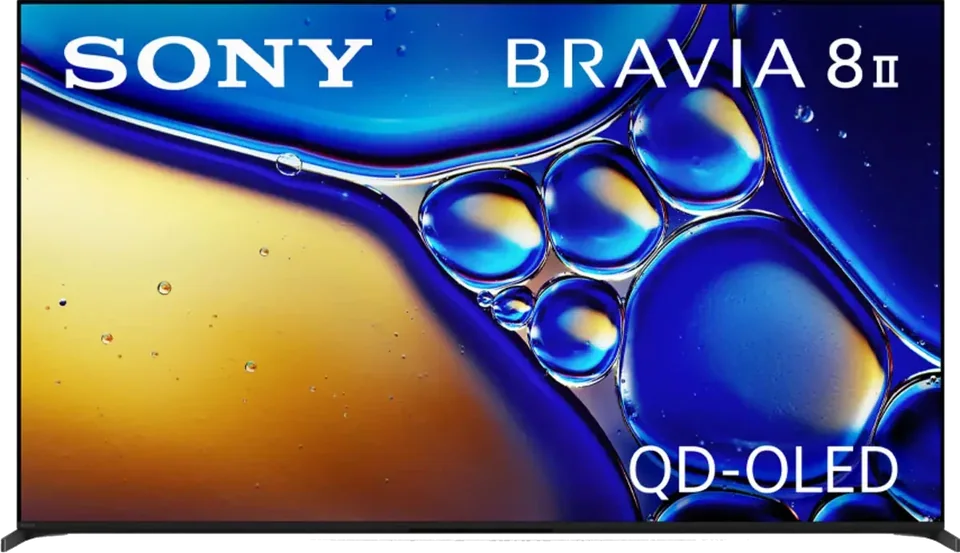
Sony · 2025 · QD-OLED
55 · 65″
From
$1,998
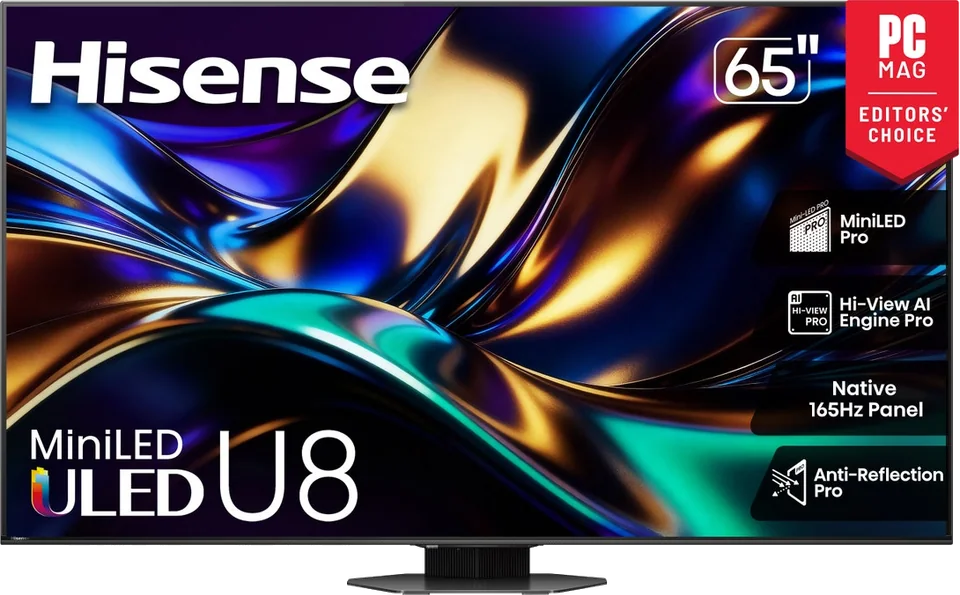
Hisense · 2025 · Mini LED
55 · 65 · 75 · 85 · 100″
Check retailers
7 sources used for this article. We paraphrase and link, we do not republish.
More explainer

A nit is a unit of brightness. Here is how to read the numbers in TV reviews and how much you really need.

What HDMI 2.1 actually adds, why only some ports on a TV may support it, and how to pick a cable that will not hold you back.

How a single HDMI cable carries TV audio to a soundbar or receiver, what eARC improves, and how to set it up.
A short letter when something is worth your attention. Unsubscribe any time.