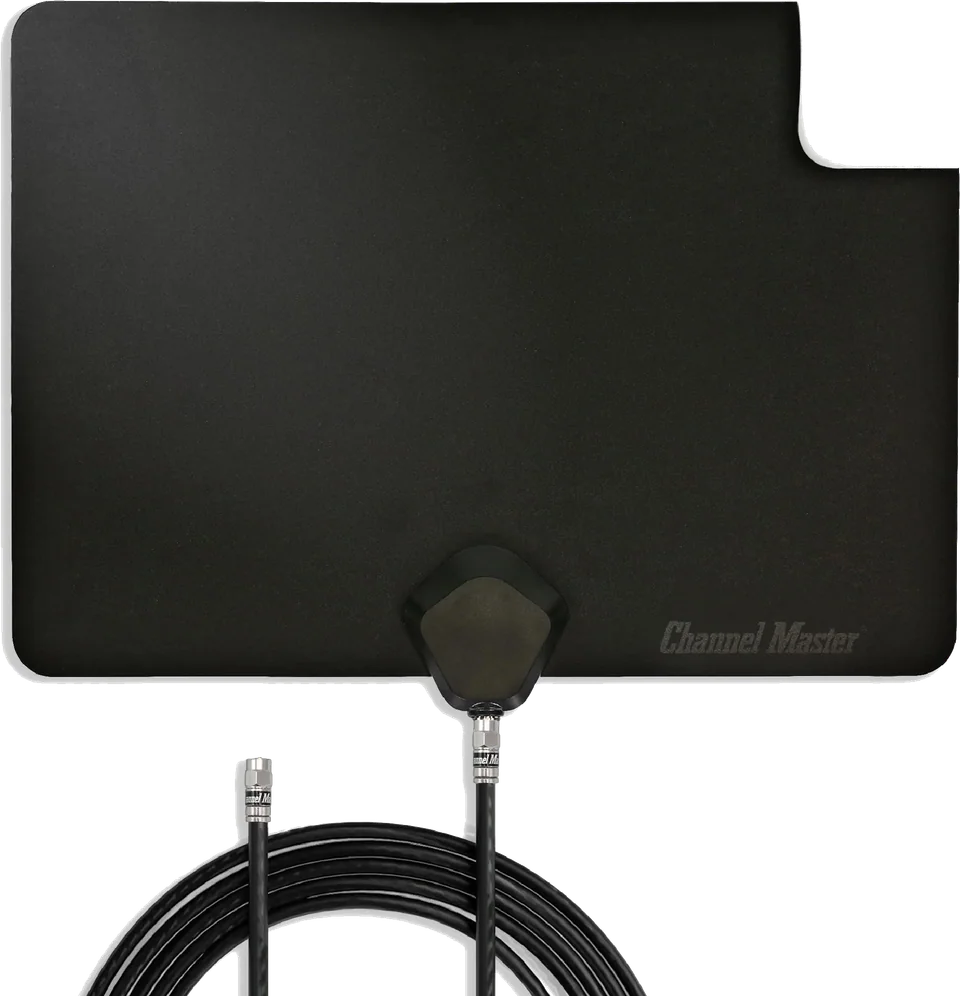
Channel Master
FLATenna Indoor TV Antenna
Accessory
From
$35
Setup guide
Pick the right antenna, place it well, and run a channel scan so your TV finds every local station.

An over-the-air (OTA) antenna picks up free local broadcasts from nearby towers. The setup is simple, but location decides how well it works.
AntennaWeb, run with the Consumer Technology Association, lists the stations you can expect at your location, how many sub-channels each carries, and the distance and direction to each tower. It assumes an outdoor antenna mounted well above the ground, so indoor results will differ. AntennaWeb makes no recommendations about indoor antennas. Engadget notes that the FCC also publishes reception maps based on an outdoor antenna at least 30 feet up, and that the FCC itself says indoor reception can vary significantly. This guide could not read the FCC site directly, so check its map yourself for tower locations.
AntennaWeb describes a color-coded labeling standard for outdoor antennas:
For indoor use, Engadget suggests a window or the highest spot you can manage. Indoor models are usually omnidirectional, but if yours is directional, point it toward the tower. Thick walls and big appliances can weaken the signal. Amplified antennas help only with signal loss, not with a transmitter that is too far away.
Ignore mileage claims. Engadget says no antenna offers 150 miles, let alone thousands, and that a clear line of sight to the transmitter matters most. It quotes one maker's rule of thumb of about 15 miles for indoor models. Buy from a seller that accepts returns so you can try it. The Channel Master Flatenna is an example in our catalog.
TV makers use different menu names for the scan. Samsung Australia's guide gives a good template, though the Australian guide mentions an aerial type choice that may not appear on US models:
Samsung adds that a TV set to Retail or Demo mode will not save channels, and that you should switch to Home Mode in the usage settings. On other brands, look for terms like channel setup, tuner, auto tuning or channel scan, and use your manual.
To pick up one missing station, Samsung's manual scan lets you enter a specific channel. If a scan reports weak or no signal, check that the cable is firmly connected and the antenna is positioned well.
Run the scan again after moving the antenna and whenever channels go missing. Station lineups change over time, so an occasional rescan keeps the list current.
Good to know
No. Engadget explains that TV signals travel in a line and the Earth curves, so no antenna can reach hundreds or thousands of miles. Range depends on terrain, obstacles, tower height and signal power.
AntennaWeb says an antenna that works well today does not need replacing to receive HD, 4K or NextGen TV, because the antenna only receives radio signals and the TV's tuner decodes them.
Usually not in the US. Engadget says a dish is built for satellite signals, and local stations use terrestrial VHF and UHF. The dish's mount and coax may be reusable for a proper outdoor antenna.
4 sources used for this article. We paraphrase and link, we do not republish.
More setup guide
What each gaming feature does, the cable and port you need, and the TV-side switches to check before you blame the console.

Two ways to clear the cable clutter under a wall-mounted TV, and the safety lines you should not cross.

Four mount styles, what each is good at, and the two numbers that decide whether a mount will fit your TV.
A short letter when something is worth your attention. Unsubscribe any time.