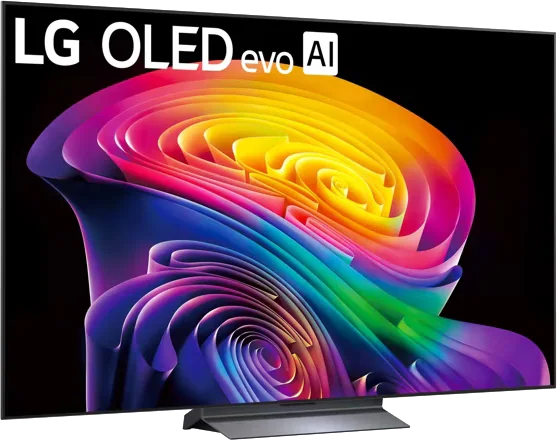
LG · 2026 · WOLED
C6 OLED evo
42 · 48 · 55 · 65 · 77 · 83″
From
$899.99
MOV
BRT
GME
Explainer
Three terms that decide whether a TV feels responsive with a console or PC, explained without the jargon.

Three features sit behind a lot of "gaming TV" claims: VRR, ALLM and input lag. They solve different problems, and a good gaming TV needs all three.
Input lag, also called latency, is the time between a device sending an image and the TV showing it. TechRadar's testing guide puts it in plain terms: the longer the delay, the longer you wait between pressing a button and seeing the result.
The numbers are small, but they matter. TechRadar points out that some games run at 120 frames per second, which leaves only about 8 milliseconds between frames, so even a small delay shows up. Heavy picture processing such as noise reduction, motion smoothing and upscaling is the main cause, and a TV's game mode lowers lag by switching some of it off.
What counts as good? TechRadar says most TVs it tests are under 20ms in game mode. It cites Intel in noting that professional gamers look for 15ms or lower. In its gaming guide, the LG C6 measured 9.2ms in its Boost mode, the Samsung QN90F measured 9.5ms, and the budget TCL C6K measured 13.6ms. The guide describes all three as responsive. TechRadar also notes that on LG TVs, a setting called Boost can cut input lag by a few milliseconds compared with ordinary game mode, from around 12ms to about 9ms in older models tested.
Lag measurements can differ by resolution and refresh rate, so a published figure is most useful for comparing one TV with another, not as an exact promise.
Normally a TV refreshes its picture at a fixed rate, such as 60 or 120 times per second. A game console or PC may not finish drawing each frame on that schedule, especially in busy scenes. When that happens, the display has to repeat a frame or show a half-finished one, which causes judder and tearing.
HDMI.org says VRR fixes this by letting the source send each frame as soon as it is ready, which can be slower than the TV's normal rate. The organization says the result is reduced or eliminated lag, judder and tearing. In practice, it keeps the picture steady when a busy scene makes the frame rate dip.
Different brands also support their own flavors, such as AMD FreeSync and Nvidia G-Sync on PC. TechRadar's guide lists the VRR types for each gaming TV, so check that yours matches your hardware, and use our HDMI 2.1 explainer for port details.
Game mode used to be something you switched on in a menu before playing and off again afterward. HDMI.org says ALLM lets a console, PC or other device signal the TV to turn on its low-latency mode automatically, then turn it off when you move on to something else such as streaming a film. The reason for the on-off behavior is that low-latency modes may disable picture processing that looks better for movies.
It can also benefit other uses, according to the same page, such as karaoke and video conferencing.
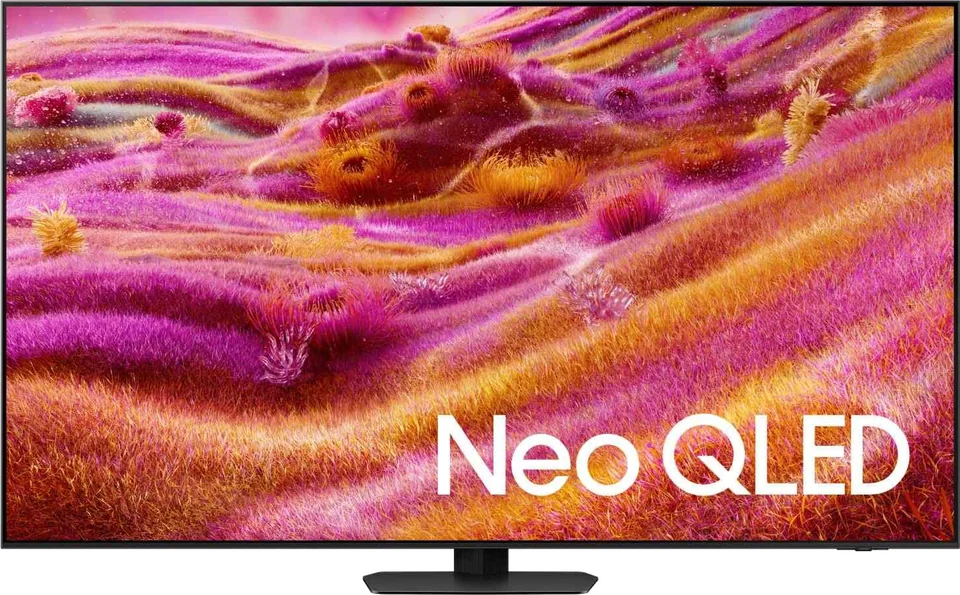
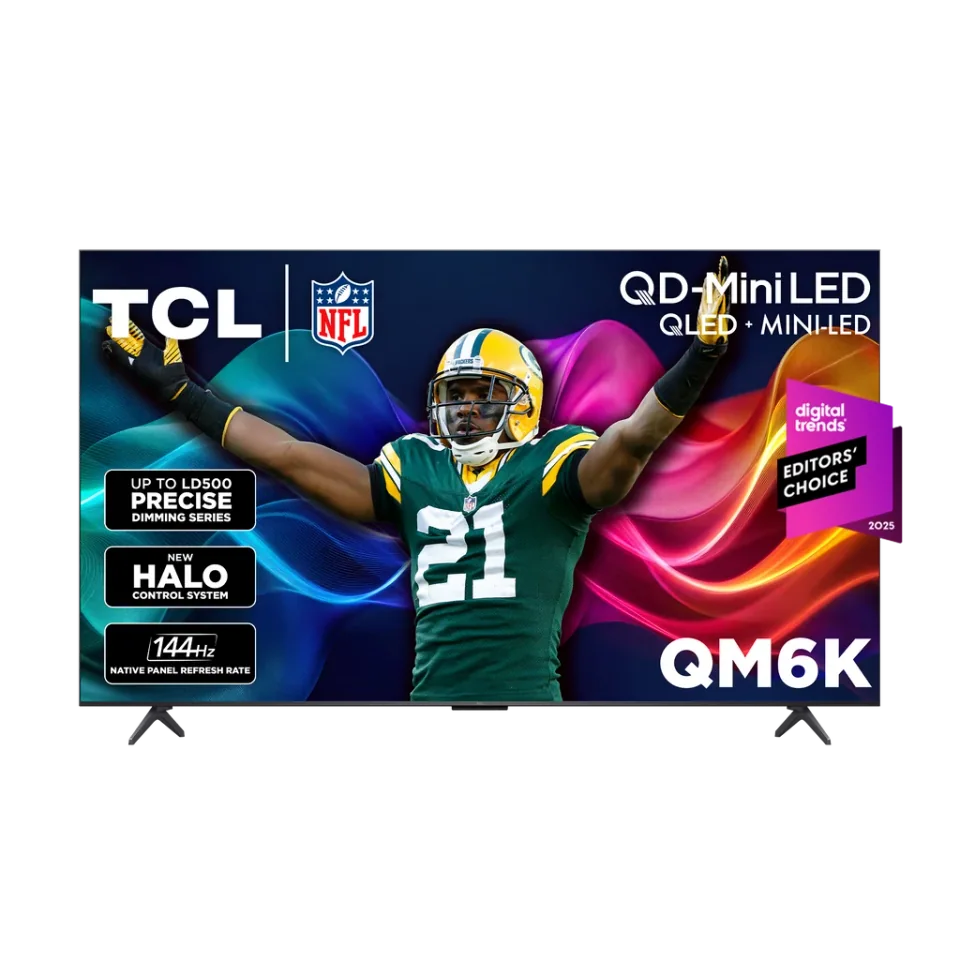
For model suggestions, our gaming TV buying guide pulls this together, and you can browse options like the LG C6, Samsung QN90F and TCL QM6K.
Good to know
TechRadar says most TVs it tests come in under 20ms, and it cites Intel in noting that professional gamers look for below 15ms. The gaming picks in its guide measure roughly 9ms to 14ms.
VRR helps most when a game's frame rate fluctuates. HDMI.org says it reduces or eliminates lag, judder and tearing. It is a useful feature on any TV you plan to use with a console or gaming PC.
It can. HDMI.org notes that a low-latency mode may switch off some of a TV's picture processing, which is why ALLM turns it on only while you play.
Mentioned in this article
6 sources used for this article. We paraphrase and link, we do not republish.
More explainer

A nit is a unit of brightness. Here is how to read the numbers in TV reviews and how much you really need.

HDR widens the range between dark and bright on screen. Here is how the main formats differ and which brands support which.
What HDMI 2.1 actually adds, why only some ports on a TV may support it, and how to pick a cable that will not hold you back.
A short letter when something is worth your attention. Unsubscribe any time.